Selfhosting local Gen-AI (LLMs x Agents)
Tl;DR
Docker Model Run
LocalModels: with Docker and Ubuntu 26.04
Intro
Running LLMs locally, even on a PI, should not be a problem even in 2025.
sudo docker compose -f ./z-homelab-setup/evolution/2605_docker-compose.yml logs -f ollamaOllama What?
Ollama makes it easy to get up and running with large language models locally.
It is like Docker for managing LLMs.
With modelfile, it creates a profile of a model: ollama create your_model_profile -f ./testmodelfile
ollama run testmodelfileInstall it with docker or with CLI:
- https://hub.docker.com/r/ollama/ollama
- https://gpt-index.readthedocs.io/en/stable/examples/llm/ollama.html
#docker ps -a --filter "name=ollama"
docker run -d \
  --name ollama \
  --restart unless-stopped \
  -v /srv/data/ollama:/root/.ollama \
  -p 11434:11434 \
  ollama/ollama
#docker run -d -v ollama:/root/.ollama -p 11434:11434 --name ollama ollama/ollama
#podman run -d -v ollama:/root/.ollama -p 11434:11434 --name ollama ollama/ollama
If you want it baremetal:
curl https://ollama.ai/install.sh | sh
#netstat -tuln
#ss -tulnp | grep ':11434'
This will work:
sudo systemctl status ollama
#sudo systemctl stop ollamaversion: '3'
services:
ollama:
image: ollama/ollama:latest #0.1.17
container_name: ollama
ports:
- "11434:11434"
volumes:
- ollama_data:/root/.ollama
volumes:
ollama_data:Ollama xCPU only
Get some models: https://ollama.com/search
This time ill go: https://ollama.com/library/gemma4
#docker exec -it ollama bash
ollama --version #0.24.0

#ollama run orca-mini:3b
ollama pull gemma4 #this model is 10GB currently top ~40 at https://arena.ai/leaderboard/text
#ollama run wizardcoder:13b-python
#https://ollama.ai/library/sqlcoder
#ollama run codellama

ollama list
curl http://localhost:11434/api/tags #list them too
docker exec ollama ollama show gemma4 #8B params
docker exec -it ollama ollama run gemma4
You can now also: https://docs.ollama.com/integrations
ollama launch openclawOr just:
#ollama launch codex
ollama launch opencodeOllama x REST API
To connect via API to your Ollama instance: https://github.com/jmorganca/ollama/blob/main/docs/api.md
# curl -X POST http://localhost:11434/api/generate -d '{"model": "orca-mini:3b", "prompt":"What is a large language model?"}'

curl http://localhost:11434/api/generate -d '{
  "model": "gemma4",
  "prompt":"Why is the sky blue?"
}'
For the x300 5600g this was 2min:
time curl http://localhost:11434/api/generate -d '{
  "model": "gemma4",
  "prompt": "Why is the sky blue?",
  "stream": false
}'
You can also:
curl http://localhost:11434/api/generate -d '{
  "model": "orca-mini:3b",
  "prompt": "what is docker?",
  "stream": false
}' | grep -o '"response":"[^"]*' | cut -d'"' -f4
OpenWebUI
With Python - llama-index
https://docs.llamaindex.ai/en/stable/examples/llm/ollama.html
Ollama + Home Assistant
https://community.home-assistant.io/t/custom-integration-ollama-conversation-local-ai-agent/636103/7 https://github.com/ej52/hass-ollama-conversation
Custom Roles
ollama create mymodel -f ./Modelfile
ollama list
ollama run mymodel
Ollama with LangChain
FROM orca-mini:3b

PARAMETER temperature 0.5

SYSTEM """
You are an expert software developer. Answer as a software developer, my assitant, only.
"""
Ollama with a RAG: llama-index
#https://www.youtube.com/watch?v=k_1pOF1mj8k

#sudo systemctl status ollama
#sudo systemctl stop ollama

#ollama list
#ollama run orca-mini:3b

#deepseek-coder:6.7b-base

###
#https://pypi.org/project/llama-index/
#https://docs.llamaindex.ai/en/stable/examples/llm/ollama.html
###

### Install the Package
#pip install llama-index
#pip show llama-index

### Ollama with orca-mini:3b is running in Ollama's Docker container and the just execute the Python script
#python3 ollama-langchain.py


from llama_index.llms import Ollama
llm = Ollama(model="orca-mini:3b")
print(llm.complete("What is a vector database?"))
Ollama Alternatives
JAN
AGPLv3 | Jan is an open source alternative to ChatGPT that runs 100% offline on your computer
Local Audio
Conclusions
Local AI Use Cases Tier List:
S Tier
- Code Autocomplete: Quen 2.5 Coder (7B parameter model) – fast, runs locally with low latency, good cloud copilot replacement.
- Photo Enhancement: Upscaly (ESR GAN models) – open-source, easy to use, 4x or 8x upscaling, works on ~4GB VRAM GPU.
- Home Automation: like Frigat + Home Assistant – mature ecosystem with person/vehicle detection, facial recognition, fully local.
- Image Generation: Flux 2D (via Comfy UI) – fast generation in seconds, high quality, fine-tuning supported.
- Text-to-Speech: Chatterbox – natural voice, multilingual (23+ languages), close to cloud quality.
- Speech-to-Text: Faster Whisper Large V3 Turbo – fast and accurate transcription used with local LLM cleanup.
A/B Tier
- AI Chat: Quen 33B, LM Studio, Mistral – good chat experience locally with multiple model choices, supports RAG pipelines.
B Tier
- OCR: Sura (DeepSE OCR) – solid document processing and table extraction, reliable but not cutting-edge.
C Tier
- Video Generation: WAN 2.1 (Alibaba) – experimental, slow and expensive locally, quality still lacking.
- Voice Agents: Pipecat – pipeline combining speech-to-text, language model, and text-to-speech; latency ~800ms; limited intelligence locally.
- Agentic Coding: Not recommended locally yet – requires strong hardware; currently unstable and slow; better options with Quen models.
- AI Agents: Limited functionality locally – true autonomous agents need strong cloud models; local versions are unstable.
Ollama with a mac M2 has been interesting!
What else am I running since last month?
#git clone https://github.com/JAlcocerT/Home-Lab/
#cd ./Home-Lab/z-homelab-setup/evolution

#docker ps --filter "status=running"
sudo docker compose -f 2605_docker-compose.yml up -d ollama uptime....pihole nextcloud ncdb.......
#ollama run
After the initial setup and checking how fast the M2 is with blender
Im not surprised the performance with Ollama
For a daily driver OS,
ZORIN 18is working nicely for me.
But it was about time to do a format C to my x300.
So…why not trying ubuntu 26.04 LTS that has recently been released?
I gave it a try first via: then, added to my usb drive with Ventoy and the other OS’s
#sudo apt install gnome-boxes
gnome-boxes
or…with these other options, like:
sudo mkdir -p /var/lib/libvirt/images
sudo cp /home/jalcocert/Desktop/ubuntu-26.04-desktop-amd64.iso /var/lib/libvirt/images/
Yep, they need to be here:
find /var/lib/libvirt/images -maxdepth 1 -type f -iname '*.iso'Then install from the copied .ISO:
sudo virt-install \
  --name ubuntu-vm \
  --memory 3096 \
  --vcpus 2 \
  --disk size=30 \
  --cdrom /var/lib/libvirt/images/ubuntu-26.04-desktop-amd64.iso \
  --os-variant generic \
  --network network=default \
  --graphics spice
#virsh list --all
#sudo virsh shutdown ubuntu-vm

#
Sitting at 1.2gb RAM at start up!
Once ready, you can use the scripts at my repo to install all the goodies for your server:
sudo apt install git
#git config --global user.name "JAlcocerT"
#git config --global user.email "JAlcocerT"
Once git is ready, just tested the latest setup script:
#flatpak install flathub app.zen_browser.zen
git clone https://github.com/JAlcocerT/Home-Lab

#sudo ./z-benchmarks/Benchmark_101.sh
#for a homelab that you wont use desktop, you are good to go with this
#sudo ./z-desktop-x-homelab/Linux_Setup_101.sh #You are good to go with browsers OBS tailscale etc
cd /home/ubuntu/Home-Lab
#chmod +x z-homelab-setup/homelab-selfhosting.sh
sudo ./z-homelab-setup/homelab-selfhosting.sh #make sure to know what you are doing!
Get back to work with:
#curl -LsSf https://astral.sh/uv/install.sh | sh
uv --version
uv python list #https://docs.astral.sh/uv/guides/install-python/
Or put the agents to work as we have seen:
curl -fsSL https://deb.nodesource.com/setup_22.x | sudo -E bash - && sudo apt install -y nodejs
#node --version
apt install npm
#npm install -g @openai/codex #https://github.com/openai/codex/

codexThis was also an opportunity to do a format on the 1TB drive where I tried umbrelOS with a btc node.
Umbrel (the btc node mostly) took ~837GB!
Lets make some space: formatting a 1TB drive as ext4 and adding it to my x300 as permanent additional storage
lsblk -o NAME,SIZE,MODEL,TYPE,FSTYPE
#lsblk -d -o NAME,SIZE,MODEL,TYPE
#lsblk -f
du -sh /media/jalcocert/1234-fb02-4e46-948d-abcdef134567/* #see those 837gb
#for just a linux drive, ext4 seems to be the best option and will allow for nextcloud to have its data folder there
#sudo umount /dev/sda1
## different tool, 'parted' is easier for scripting/one-liners than fdisk
#sudo parted /dev/sda --script mklabel gpt
#sudo parted /dev/sda --script mkpart primary ext4 0% 100%
# -L assigns a label
# /dev/sda1 is the new partition we just made
#sudo mkfs.ext4 -L data1tb /dev/sda1
lsblk -f /dev/sda
sudo mkdir -p /mnt/data1tb/nextcloud/db && sudo chown -R 1000:1000 /mnt/data1tb/nextcloud/db
Once this is done, download the mobile nc app and
More -> settings -> auto upload
If you dont know who are you connected to:
#ip neigh #see other devices connected to the same router
ip route | grep default
#default via 192.168.0.1 dev wlp3s0 proto dhcp metric 600
See other local devices connected to the same router:
ip neighYou can check these selfhosted and Linux docs.
Or reach out for doubts:
 Consulting Services
 DIY via ebooks
About Protocols
Is ADL the next big thing after MCP eating the context windows?
- https://github.com/nextmoca/adl
- https://www.nextmoca.com/blogs/agent-definition-language-adl-the-open-source-standard-for-defining-ai-agents
ADL (Agent Definition Language) is an open source, vendor‑neutral spec for describing what an AI agent is and is allowed to do, so the same agent definition can be inspected, versioned, audited, and reused across different platforms and runtimes.
Core idea
- ADL solves fragmentation where each team or vendor defines “agents” differently (YAML, ad‑hoc JSON, in‑code configs), which hurts governance, security, portability, and audits. nextmoca
- It provides a single declarative file that captures an agent’s purpose, tools, retrieval (RAG) sources, LLM config, permissions, dependencies, and governance metadata. nextmoca
What ADL is
An ADL file describes, in JSON/JSON‑compatible form: nextmoca
- Agent metadata: name, description, role, owner, version, lifecycle timestamps. nextmoca
- LLM configuration: provider, model, temperature, max tokens, provider‑specific params. nextmoca
- Tools: callable functions with names, params, types, invocation mode (python_function, http, mcp, etc.), optional return schemas and categories. nextmoca
- RAG inputs: indices/corpora (docs, code, images) with paths, types, locations, and metadata. nextmoca
- Permissions: allowed file paths, network domains, env vars, sandbox limits. nextmoca
- Dependencies: packages and versions, referenced code. nextmoca
- Governance & audit: who created/updated it, when, and why, aligned with SemVer. nextmoca
Analogy: OpenAPI defines HTTP APIs and Terraform defines infra; ADL is the contract for agents. nextmoca
What ADL is not
ADL only covers static definition, not runtime behavior: nextmoca
- Not agent‑to‑agent protocol (A2A) for messaging/coordination. nextmoca
- Not a runtime tool protocol like MCP (how tools are called/streamed). nextmoca
- Not OpenAPI (HTTP interface spec) and not a workflow engine (Airflow, Temporal, etc.). nextmoca
- Not a prompt format or wire/RPC protocol. nextmoca
It is meant to sit alongside A2A, MCP, OpenAPI, and workflow systems as the definition layer of the agent stack. nextmoca
ADL is a spec for describing an agent; RAG and similar tools are mechanisms an agent can use. nextmoca
Role in the stack
- ADL is a definition layer: it declares an agent’s goal, tools, RAG sources, permissions, and model config in a portable, vendor‑neutral file. nextmoca
- RAG, MCP, workflows, OpenAPI, etc., are implementation layers: they govern how the agent actually retrieves data, calls tools, or runs steps at runtime. nextmoca
ADL vs RAG
- RAG is a pattern: chunk, embed, and retrieve documents/code/images to augment prompts, implemented via vector DBs and retrieval libraries. nextmoca
- ADL does not replace RAG; instead, it describes which RAG indices/corpora an agent may access, where they live, and with what metadata and constraints. nextmoca
- Put differently: RAG answers “how do we fetch context at runtime?”, while ADL answers “which RAG sources is this agent allowed to use and under what configuration?”. nextmoca
ADL vs tool protocols (e.g., MCP)
- Tool protocols like MCP define how an agent talks to tools: streaming, message formats, error handling. nextmoca
- ADL defines what tools exist for a given agent: names, parameter schemas, invocation mode (python_function, http, mcp), and categories. nextmoca
- You can use MCP and RAG under the hood, while ADL sits above them as the declarative contract that a security or platform team can inspect and version‑control. nextmoca
Governance advantage
- Existing RAG setups and tool registries are often scattered across YAML, code, and infra; ADL centralizes all that into one inspectable artifact. nextmoca
- This makes it easier to audit “what can this agent possibly do or access?” than with ad‑hoc RAG configs or per‑framework agent definitions. nextmoca
AI agents
Semantic Kernel (likely what you meant by “symantec kernal,” as no Symantec product matches this term) is Microsoft’s open-source SDK for building AI agents and integrating large language models (LLMs) into apps using C#, Python, or Java. It uses a central “kernel” to orchestrate semantic functions (natural language prompts), native code functions, memory, and planners for tasks like chaining prompts or agent workflows. leanware
FAQ
Large Language Models (LLMs)
TTS
TTS is always interesting.
But I dont have much time to act on it.
I just got to know recently about:
Which can be a good companion for:
How to Enhance a Raspberry Pi for AI
You can do same thing I explain with my x300 in your Pis, miniPCs or cloud/VPS.
- Edge TPU on RPi - Coral Edge TPU (Tensor Processing Unit - an USB acccelerator )
TPU (Tensor Processing Unit)?
Focus: TPUs are specifically designed for running Google’s TensorFlow machine learning framework. They are optimized for high-performance matrix multiplication, a fundamental operation in many deep learning algorithms.
Architecture: TPUs are custom-designed by Google with a focus on maximizing performance for TensorFlow workloads.
They prioritize speed and efficiency for specific tasks within the TensorFlow ecosystem.
You will hear more and more about NPU - Neural Processing Units
While both are designed to handle AI workloads, they have distinct differences in their focus, architecture, and availability.
NPUs are designed to mimic the structure and function of the human brain, excelling at tasks that involve large-scale parallel processing.
They are particularly well-suited for various AI applications, including:
- 🖼️ Image recognition
- 💬 Natural language processing
- 🗣️ Speech recognition
NPUs typically utilize a manycore architecture with specialized instructions and data formats optimized for AI algorithms. This allows them to handle complex neural networks efficiently.
NPUs are often integrated into mobile processors from companies like Apple, Huawei, and Samsung.
They are also available as standalone chips from some manufacturers.
About Ubuntu 2604 LTS
The latest, https://releases.ubuntu.com/ is coming with the kernel 7.
I ended up trying it first on a VM, with a check with codex on the must follow steps for a reliable setup:
sudo snap install gnome-boxes
gnome-boxes
#codex
apt update && apt upgrade -y- https://github.com/JAlcocerT/Home-Lab/tree/main/z-benchmarks
- https://github.com/JAlcocerT/Home-Lab/tree/main/z-desktop-x-homelab
You can test the speed with this script, which now includes the trip-planner v3:
Helium, zen…are interesting browsers for you to give a try
With a VM you dont have GPU passthrough and hardware acceleration.
https://www.youtube.com/watch?v=qEI95GIRKaU
There are interesting things going on: https://agelesslinux.org/map.html
This is a good chance to make a system format from scratch and reset the system with all the goodies and latest learnings:
- First, some backups and tests:
Hopefully, you have your important containers volumes pointing to external/non OS disks:
https://jalcocert.github.io/JAlcocerT/selfhosted-apps-spring-2025/#immich
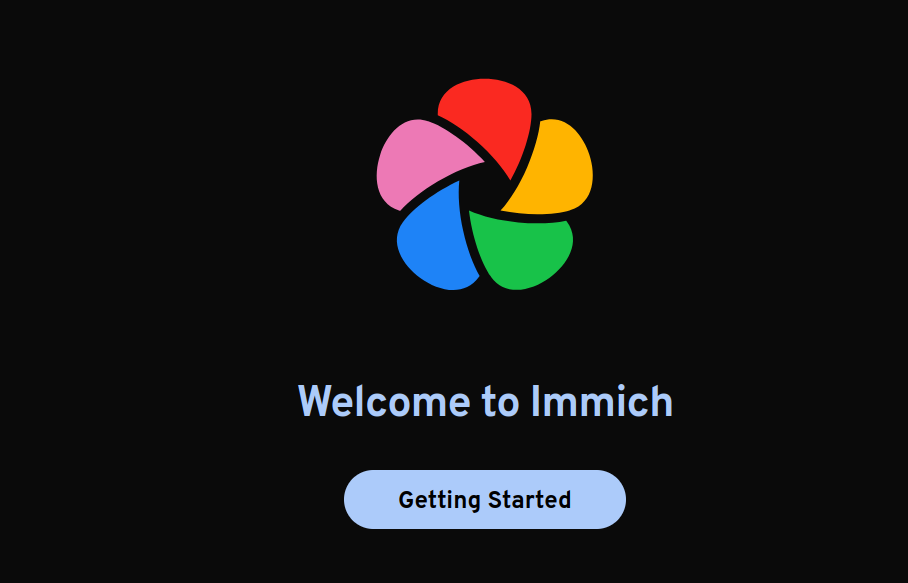
https://jalcocert.github.io/JAlcocerT/image-backup-tools/#nc-vs-immich
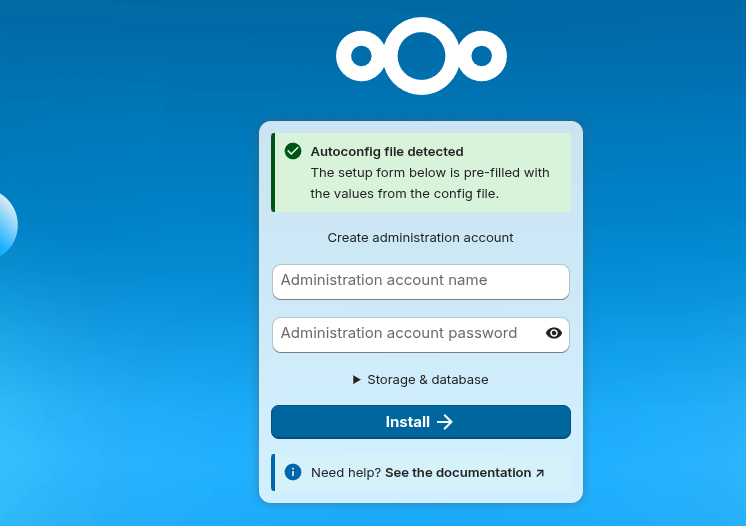
#docker ps -a --filter "name=nextcloud"
docker ps -a --filter "name=nextcloud" --format "table {{.Names}}\t{{.Mounts}}"
docker ps -a --filter "status=running" --format "table {{.Names}}\t{{.Mounts}}"

#docker exec -it commento_db-foss bash
#psql -U commento -d commento
#SELECT * FROM comments;
docker stats netdata
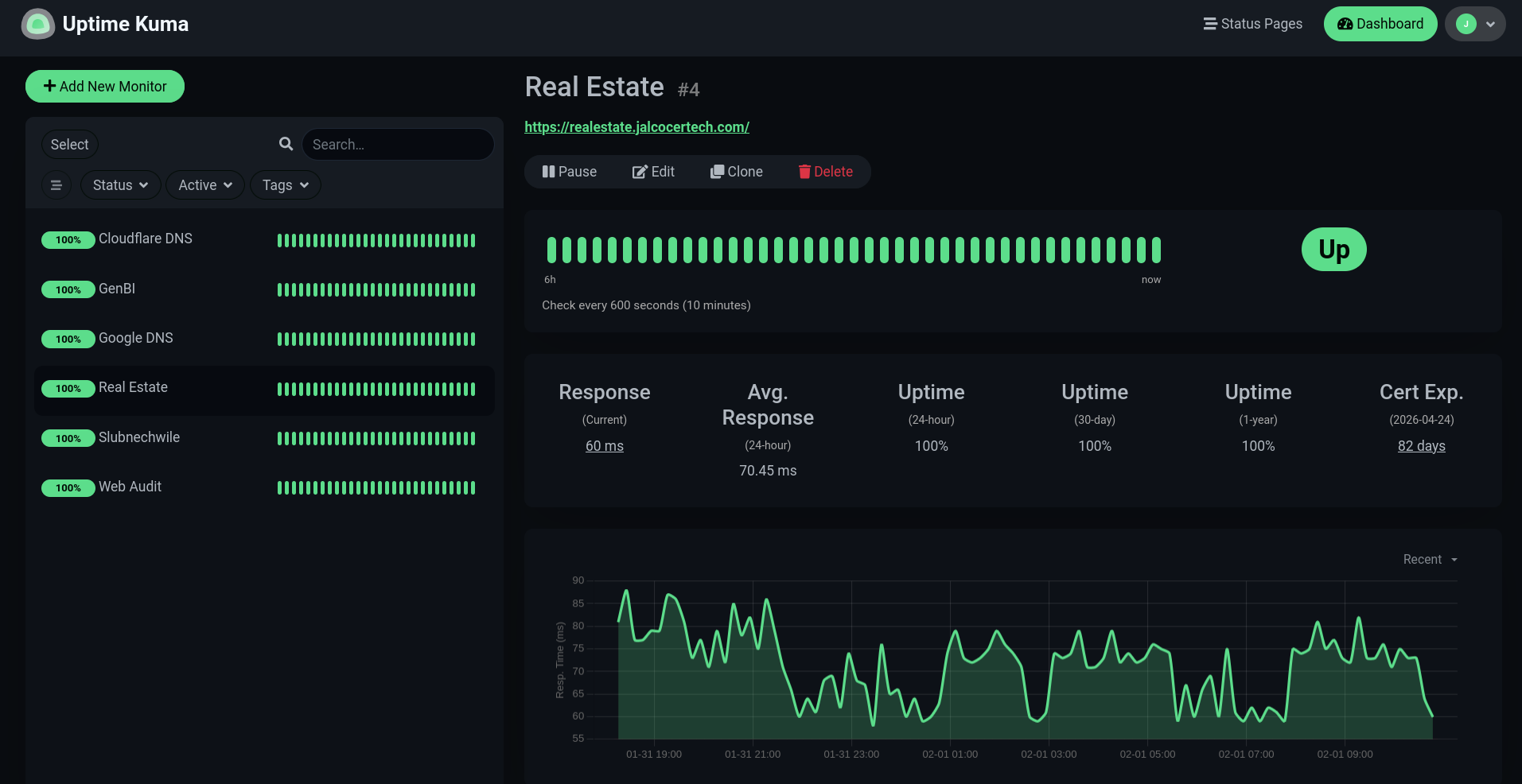
You can also backup your logs: https://jalcocert.github.io/JAlcocerT/image-backup-tools/#server-maintainance
- Like…installing python?
curl -LsSf [https://astral.sh/uv/install.sh](https://astral.sh/uv/install.sh) | sh
#powershell -c "irm [https://astral.sh/uv/install.ps1](https://astral.sh/uv/install.ps1) | iex"
uv python install 3.12
#uv run script.py
Nah, manage everything via uv with whatever python version!
Similarly as I did with this mac M2 :)
Prompting 101
First timer doing prompts?
curlThe D.E.F.I.N.E. framework!
This is a structured engineering mindset that treats a prompt like a formal Project Requirements Document (PRD).
While “Creating” is the act of generation, D.E.F.I.N.E. is the methodology pro users use to ensure that the creation doesn’t hallucinate or miss the mark.
The D.E.F.I.N.E. Framework
D – Desired Outcome
Pros start with the “Why” and the “Final Form.”
- The Goal: Don’t just ask for “an email.” Ask for “a persuasive email that secures a follow-up meeting.”
- The Format: Specify if you want a table, a code block, a list, or a JSON object.
E – End User / Audience
This sets the tone and complexity level.
- The Context: Is the AI writing for a skeptical CFO, a 5-year-old, or a Senior DevOps Engineer?
- The Persona: You might also define the AI’s persona here (e.g., “Act as a legal expert”).
F – Facts / Inputs
AI is only as good as the data it’s chewing on.
- The Data: Provide the raw text, the statistics, or the URL.
- The Reference: “Base your answer only on the following transcript…”
I – In-Scope / Out-of-Scope (OOS)
This is the “Guardrail” phase. It prevents the AI from wandering into irrelevant topics.
- In-Scope: “Focus specifically on the Q3 fiscal projections.”
- Out-of-Scope: “Do not mention the merger or the previous year’s losses.”
N – Needs, Constraints, & Dependencies
This is the fine print that makes the output usable.
- Constraints: “Must be under 200 words,” “Avoid passive voice,” or “No technical jargon.”
- Dependencies: “Assume the reader has already seen the first pitch deck.”
E – Evaluation & Execution
The final check before the AI “runs” the task.
- Evaluation: Ask the AI to critique its own work before presenting it. “Check your answer for logical fallacies.”
- Execution: Tell the AI how to finish. “Provide the summary first, then the detailed breakdown, then a list of follow-up questions.”
Example: Applying D.E.F.I.N.E. to a Task
Instead of saying: “Write a marketing post about our new AI tool,” a pro uses the framework:
D: Create a LinkedIn post to drive sign-ups.
E: Targeting Mid-level Product Managers who are “AI-fatigued.”
F: Tool features: 10x faster rendering, zero-latency, local-only processing.
I: Focus on the technical speed; ignore the pricing (OOS).
N: Use a professional yet punchy tone. Max 150 words. Use emojis sparingly.
E: Evaluate the post for “cringe” corporate speak and remove it before outputting.
Why Pros Use This Over “Creating” Freehand
- Reduces Iteration: You get what you want in one “hit” rather than five follow-up prompts.
- Scalability: You can turn a D.E.F.I.N.E. block into a template for any future task.
- Control: It moves the AI from “Creative Assistant” to “Precision Tool.”
Which part of this framework do you find hardest to implement when you’re working with AI?
While DEFINE is about the architecture and preparation, CREATE is the engine for the actual drafting and iterative execution.
It is the framework used to turn those requirements into a high-quality final product.
Here is how pro power users break down the C.R.E.A.T.E. framework:
C – Character & Context
Before the AI writes a single word, you must anchor its identity and the situation.
- The Role: Assign a specific “expert” persona (e.g., “You are a Senior Editor at a Tier-1 tech publication”).
- The Background: Brief the AI on why this task is happening now.
R – Reference & Resources
Provide the “raw materials” for the build.
- Examples (Few-Shot): Give the AI 2–3 examples of the style or format you want.
- Knowledge: Attach documents, paste data, or provide links that the AI must use as its “source of truth.”
E – Explicit Instructions
This is the “meat” of the prompt where you give the direct command.
- The Action: Use strong verbs (e.g., “Synthesize,” “Contrast,” “Draft,” “Refactor”).
- The Structure: Tell it exactly how to organize the response (e.g., “Introduction, then 3 body paragraphs, then a TL;DR”).
A – Adjustments & Constraints
Set the boundaries to prevent “AI-isms” and hallucinations.
- Tone/Voice: “Professional but provocative,” “Scientific and dry,” or “Empathetic.”
- Negative Constraints: Explicitly state what to avoid (e.g., “Do not use the word ‘delve’,” “No preamble,” or “Don’t mention competitors”).
T – Type of Output
Define the technical delivery.
- Format: Do you need Markdown, a CSV table, a Python script, or a Mermaid diagram?
- Length: Set word counts or “one-page” limits.
E – Evolutionary Iteration
Pro users rarely stop at the first output. This step turns a “chat” into a “workflow.”
- Feedback Loop: Ask the AI to “Review your response against my constraints and highlight where you might have missed a detail.”
- Multi-step refinement: “Now take that draft and rewrite it to be 20% more concise.”
The Distinction: DEFINE vs. CREATE
- DEFINE is Strategic: It’s used for project management, aligning stakeholders, and ensuring you know what you need. It is the “Contract.”
- CREATE is Tactical: It’s the actual prompt engineering syntax used to talk to the LLM to get the work done. It is the “Execution.”
| Feature | DEFINE (The Planner) | CREATE (The Builder) |
|---|---|---|
| Primary Goal | Clarity and alignment | Quality and output |
| Best For | Complex projects/Workflows | Prompt engineering/Drafting |
| Focus | Dependencies and End Users | Persona and Iteration |
Pro Tip: Use DEFINE to organize your thoughts in a scratchpad or document, then translate those requirements into a CREATE prompt for the AI.