Websites - Astro
Looking for creating cool and responsive web designs?
Astro can get you there very quickly.
New to SSGs and ASTRO in particular?
Get familiar with astro components:
Astro CLIs
git clone #theme
npm install
#npm run dev
npm run dev -- --host 0.0.0.0 --port 4321 #http://192.168.1.11:4321/
#npm cache clean --force
#yarn cache clean
#rm -rf ~/.local/share/Trash/*
#sudo journalctl --vacuum-time=2d
#npm run buildnpx http-server dist --listen 0.0.0.0
#npm install -g http-server
#http-server dist- _index.md
- _index.md
- introduction.md
- here you will find the astro components
Astro Themes
Find astro themes at: https://astro.build/themes/
Blogs
MIT 🎈gblog, an open-source, simple and beautiful blog built with Astro
MIT | Very cool site with search and mdx
GPL3.0 | 📚 Openblog is an elegant, simple, and user-friendly blog. Focused on accessibility, SEO and performance.
MIT Pacamara is a simple blog theme for Astro that uses md and mdx files to store your content.
Dev Blogs
This one could also be used for CV thanks to its work section.
Unlicensed | This is a template with a highly minimalist style, greatly inspired by Apple’s design concept. It is built with Astro, TailwindCSS, GSAP, and Three.js.
App Directory
Looking for app directories or blog sections that you can filter interactively?
Unlicensed | Astro template for a directory website in minimal theme, with reactjs + tailwind + shadcn
What I like about Astro Template Directory Theme 📌
- Search working in prod and also in Dev! Using
lucide-react:
npm install lucide-reactUnlicensed | A directory theme for Astro.
MIT | Replicate the design of mobbin.com to test the news components of shadcn-ui. #builtinpublic
This one has a blog which can be filtered per tags:
- https://github.com/mickasmt/astro-nomy which I tinkered with on this post and related repo
MIT | Differents pages and examples apps built with Astro v4.5, shadcn/ui & react js. Open Source.
Services
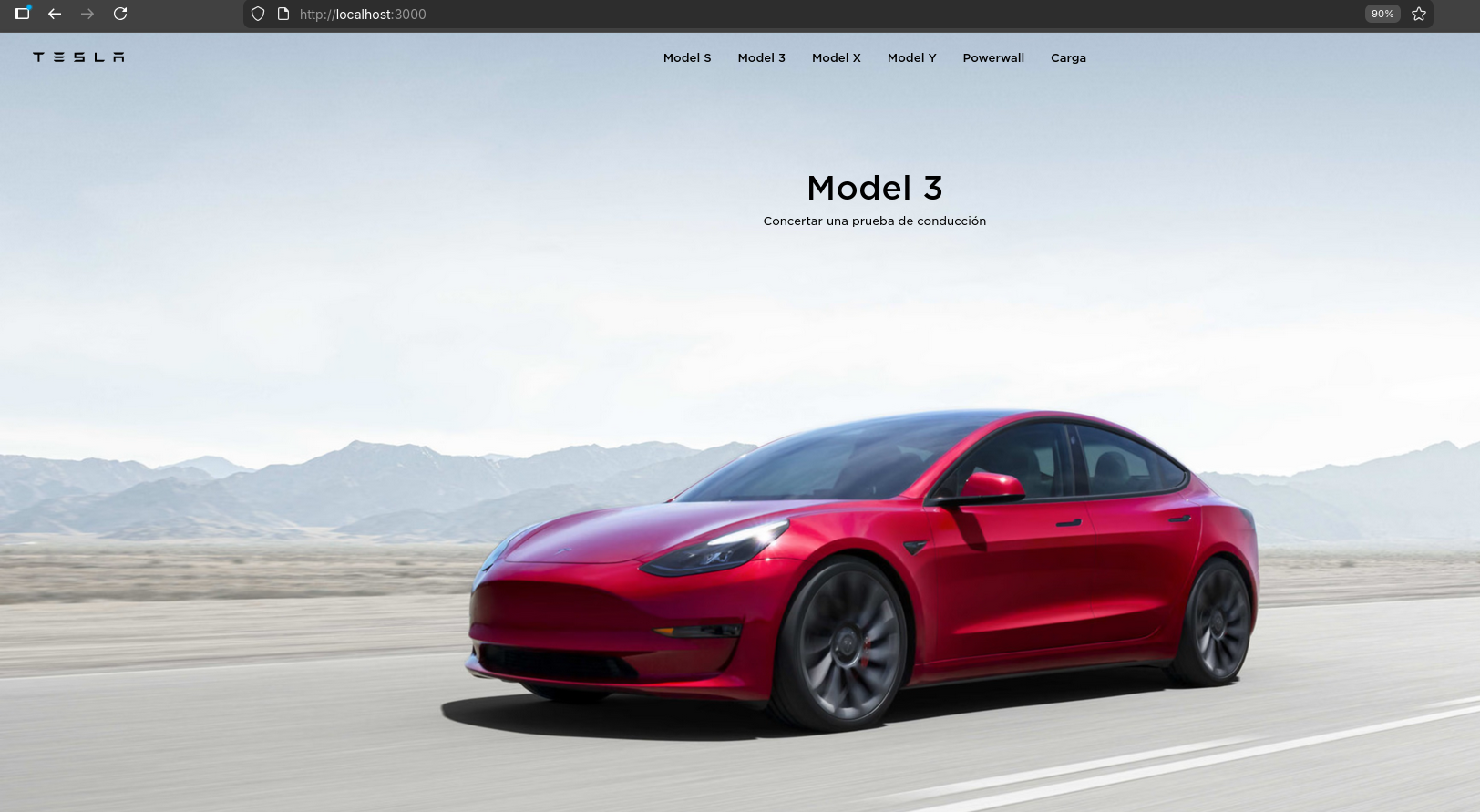 Landing Pages with Cool Video
 Photo Galleries x Artist /Modelling
CV Themes? Not a problem
Links / Bento…also fine, see.
Restaurants?
Weddings
I ,kind of’ have tinkered around website and services related to weddings.
You can ese such themes:
Build sth for people close to you like this.
And (maybe), scale it!
Docs
- Supports
.mdxand i18n - Search built in (with PageFind)
- When scrolling, you see in which section you are
- Blog section can be done with https://github.com/HiDeoo/starlight-blog
🌟 Build beautiful, accessible, high-performance documentation websites with Astro
Deploy Astro
Select any of these website deployment methods
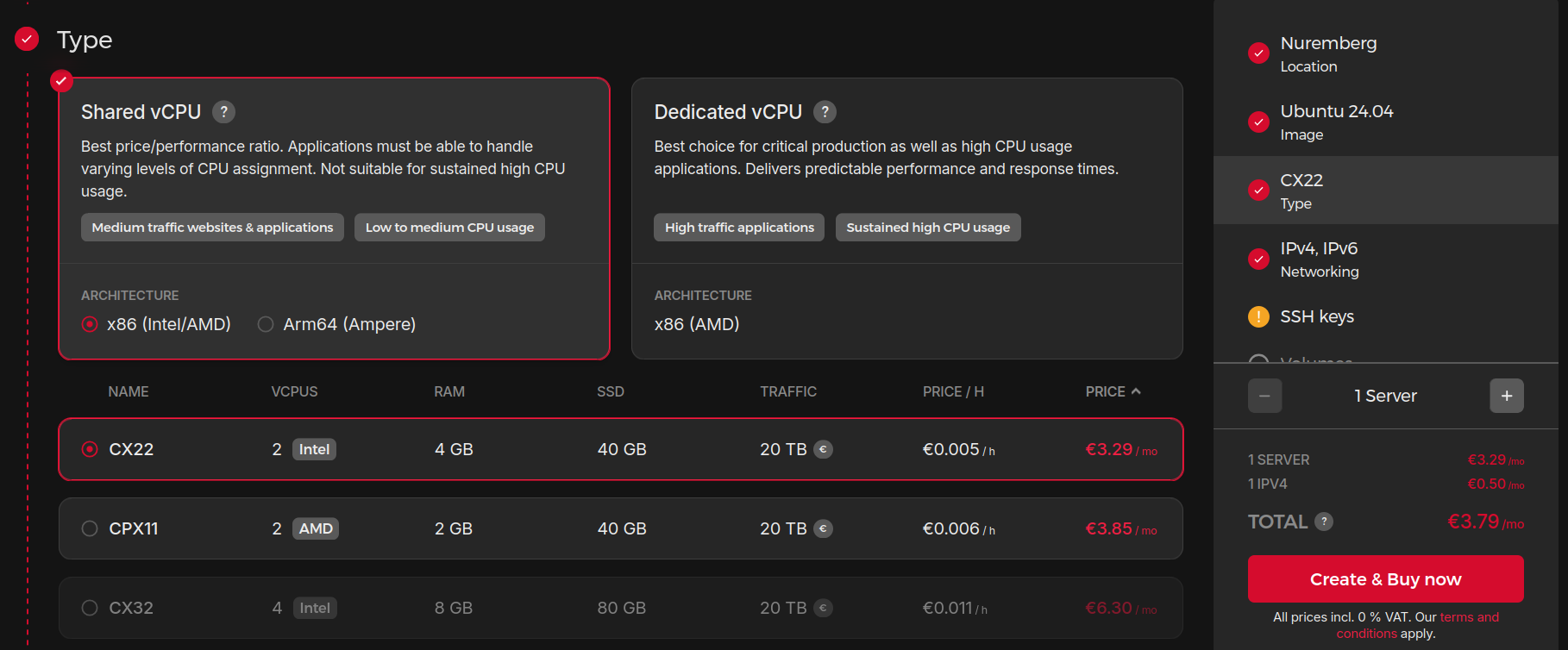
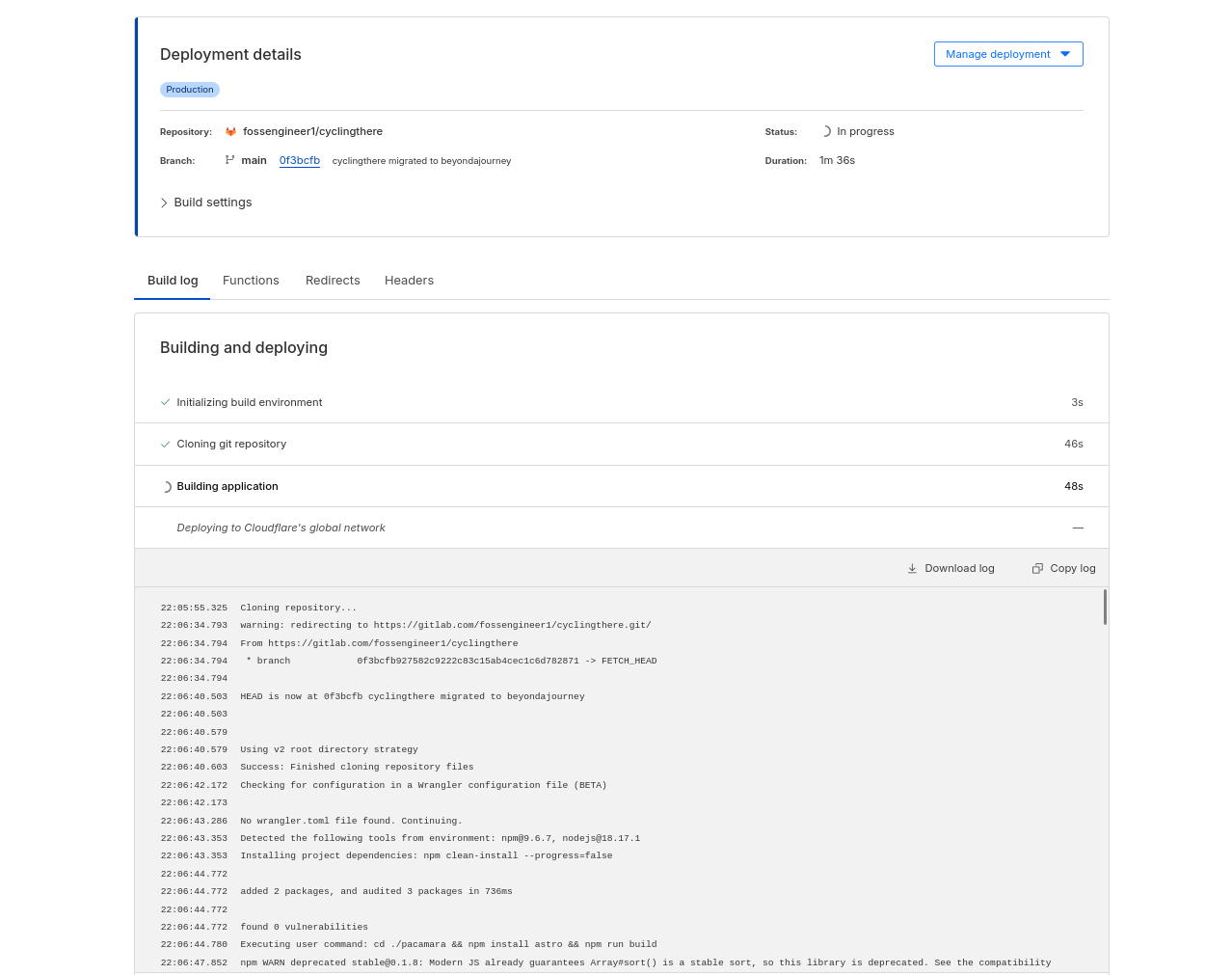
The container artifacts for Astro are very simple:
FAQ Astro
Important Files for all Astro Webs 📌
Look always for the <head> - It will guide you to a Base.astro, BaseLayout.astro, head.html…
In there you can do interesting things, like adding web analytics.
How to Install Dependencies 📌
checking dependencies
npm list @astrojs/starlight
npm install @astrojs/starlight
npm install @astrojs/starlight --legacy-peer-deps #if you have some dep issues
Better SEO for Astro 📌
- Seo Package for astro:
import { AstroSeo } from '@astrolib/seo';WebSearch in Astro 📌
As in the withastro/starlight Theme
One of the most complete Astro themes ive seen - also supporting several languages
Optimized images in Astro mdx Posts 📌
You will need astrojs/mdx installed first and use it within .mdx files:
import { Image } from 'astro:assets'

import photopost1b from '/src/assets/img_folder/image.jpg';

<figure>
  <Image src={photopost1b} width={500} height={200} alt="Exploring Astro Images" />
  <figcaption class="caption">Say hi to Astro</figcaption>
</figure>
Math Mermaid and ChartJS for Astro
I discovered the following in a gh discussion:
- https://astro-digital-garden.stereobooster.com/recipes/math-support-in-markdown/
- https://astro-digital-garden.stereobooster.com/recipes/mermaid-diagrams-in-markdown/
Astro Data Fetching
You can create a astro component: DockerCompose.astro
Sample Astro component for data fetching 📌
// DockerCompose.astro - Fetches and displays a docker-compose.yml file
// Usage: <DockerCompose url="URL_TO_RAW_GITHUB_CONTENT" />

interface Props {
  url: string;
}

const { url } = Astro.props;

// Fetch the docker-compose.yml content from GitHub
const response = await fetch(url);
const dockerComposeContent = await response.text();
---

<div class="docker-compose-container">
  <div class="file-header">
    <div class="file-name">docker-compose.yml</div>
    <a href={url.replace('raw.githubusercontent.com', 'github.com').replace('/main/', '/blob/main/')}
       target="_blank" class="view-on-github">
      View on GitHub
    </a>
  </div>
  <pre class="yaml-code"><code>{dockerComposeContent}</code></pre>
</div>

<style>
  .docker-compose-container {
    margin: 2rem 0;
    border-radius: 8px;
    overflow: hidden;
    border: 1px solid rgba(0, 0, 0, 0.1);
    box-shadow: 0 2px 10px rgba(0, 0, 0, 0.05);
  }

  .file-header {
    display: flex;
    justify-content: space-between;
    align-items: center;
    background-color: #f6f8fa;
    padding: 0.75rem 1rem;
    border-bottom: 1px solid rgba(0, 0, 0, 0.1);
    font-family: ui-monospace, SFMono-Regular, "SF Mono", Menlo, Consolas, "Liberation Mono", monospace;
  }

  .file-name {
    font-weight: 600;
    color: #24292f;
  }

  .view-on-github {
    font-size: 0.85rem;
    color: #0969da;
    text-decoration: none;
  }

  .view-on-github:hover {
    text-decoration: underline;
  }

  .yaml-code {
    margin: 0;
    padding: 1rem;
    background-color: #f8f9fa;
    overflow-x: auto;
    font-family: ui-monospace, SFMono-Regular, "SF Mono", Menlo, Consolas, "Liberation Mono", monospace;
    font-size: 0.85rem;
    line-height: 1.5;
    color: #24292f;
  }

  /* Dark mode support */
  @media (prefers-color-scheme: dark) {
    .file-header {
      background-color: #161b22;
    }

    .file-name {
      color: #c9d1d9;
    }

    .view-on-github {
      color: #58a6ff;
    }

    .yaml-code {
      background-color: #0d1117;
      color: #c9d1d9;
    }

    .docker-compose-container {
      border-color: rgba(255, 255, 255, 0.1);
    }
  }
</style>