Making an enhanced DIY offering via PaaS
Tl;DR
Dont have the time to learn, neither the willing to pay for custom?
Benefit from what’s automated for the masses.
+++ Selfhosting Postgres 101
Intro
I want to combine a Landing x PaaS Tools to enable B2C users to get up to speed quickly with certain services that dont require any customization.
A Micro-SaaS on Top of PaaS x (SSG + CMS + other services TBC)
Not trying to do a:
- https://railway.com/pricing
- elestio
But if you dont have the time to read/learn, neither willingness to pay a DFY:
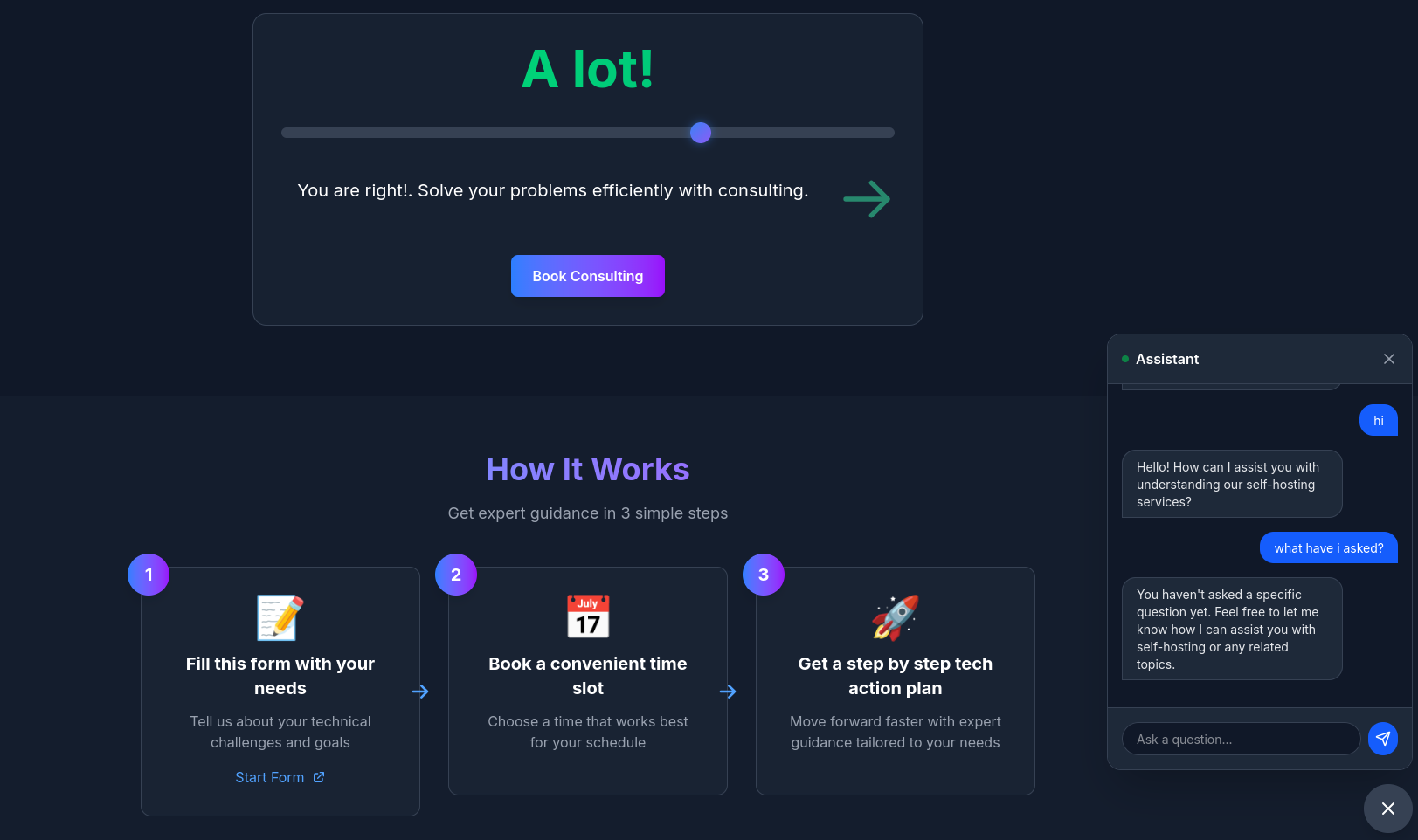 SelfHosted Landing Repo
 DIY via ebooks
So im going to take one of these PaaS:
Get a server and wrap it up via vibe coding.
Simple, uh?
Creating a DIY PaaS Offering
The launch strategy: aka, focus strategy
| Element | Decision |
|---|---|
| One Avatar | Undicided people w/o a clear way how to proceed |
| One Product | Simple knowledge to vibe code effectively |
| One Channel | Forums like reddit |
The Tier of Service: DIY (1b - leverages on tech)
The Lead Magnet: get a FREE web audit leveraging the discoveries done here
The tech stack:
| Requirement | Specification | Clarification / Decision |
|---|---|---|
| Frontend Framework | Tab favicon and og must be available | |
| Styling/UI Library | ||
| Backend/Database | ||
| Authentication | ||
| Others | Web Analytics / ads / Cal / Formbricks / ESP | Yes, via MailTrap |
- TAM: not estimated
- LTV: not estimated
- CaC: ~0$, wont be promoted directly
- Supply: scalable via server resources
Why…am I doing this then?
To hopefully move away from “selling time” (which caps your income) to “selling value” (which creates scale).
Conclusions
1 - Stopping Low value commitments
From the stop doing section for this year: *For the hard to sell people: it needs to be fully scalable or nothing - accounting for my opportunity cost. *
git clone https://github.com/JAlcocerT/ourika
#whois guideventuretour.com | grep -i -E "(creation|created|registered)"
#created a hand-over.md
pandoc hand-over.md -o hand-over.pdf
#cd /home/jalcocert/Desktop && zip -r ourika.zip ourika -x "ourika/node_modules/*" -x "ourika/.git/*"
For anyone offended:
flowchart LR
    %% --- Styles ---
    classDef free fill:#E8F5E9,stroke:#2E7D32,stroke-width:2px,color:#1B5E20;
    classDef low fill:#FFF9C4,stroke:#FBC02D,stroke-width:2px,color:#F57F17;
    classDef mid fill:#FFE0B2,stroke:#F57C00,stroke-width:2px,color:#E65100;
    classDef high fill:#FFCDD2,stroke:#C62828,stroke-width:2px,color:#B71C1C;

    %% --- Nodes ---
    L1("Free Content
(Blog/YT $0)"):::free
    L2("DIY
(Templates / Platform) $"):::low
    L3("Done With You
(Consulting) $$"):::mid
    L4("Done For You
(Services) $$$"):::high

    %% --- Connections ---
    L1 --> L2
    L2 --> L3
    L3 --> L4
Consulting ServicesDIY via ebooksPS: there is a trick
graph TD
    A[Build SSG] -->|Choose one | B[GitHub Pages]
    A -->|of these | C[Firebase]
    A -->|deployments| D[Cloudflare Pages]
    B --> E[Add your custom domain - OPTIONAL]
    C --> E
    D --> E

    click B href "https://jalcocert.github.io/JAlcocerT/portfolio-website-for-social-media/#demo-results" "Visit GitHub Pages"
    click C href "https://fossengineer.com/hosting-with-firebase/#getting-started-with-firebase-hosting" "Visit Firebase Hosting"
    click D href "https://jalcocert.github.io/JAlcocerT/astro-web-cloudflare-pages/" "Visit Cloudflare Pages"
FAQ
Selfhost Postgres
I read this fantastic post about selfhosting postgres.
And how could I not addit to the mix.
As PG is one of the DBs that you can set in your servers to do D&A or as a companion to many services.
And pgsql can do several parts of a tech stack all together
docker compose up -d

#docker exec postgres_container psql -U admin -d myapp -c "SELECT 1;"

docker exec -it postgres_container psql -U admin -d myapp
#SELECT version();
#\dt       -- List tables (empty for now)
#\q        -- Quit
Let’s use it with the sample chinook DB: yes, im cooking sth on top of LangChain+DBs again
This is all you need to plug an existing database into your just created PGSQL container instance:
curl -L -O https://github.com/lerocha/chinook-database/releases/download/v1.4.5/Chinook_PostgreSql.sql
cat Chinook_PostgreSql.sql | docker exec -i postgres_container psql -U admin -d myapp

docker exec postgres_container psql -U admin -d myapp -c "\l"

docker exec postgres_container psql -U admin -d chinook -c "\dt"

docker exec -it postgres_container psql -U admin -d chinook
#\dt
#SELECT * FROM artist LIMIT 5;
We will be using this very soon :)
In the mentioned article, Pierce Freeman argues that the fear surrounding self-hosting PostgreSQL is largely a marketing narrative pushed by cloud providers.
He suggests that for many developers, self-hosting is not only more cost-effective but also provides better performance and control.
The Case for Self-Hosting
- The “Cloud Myth”
Cloud providers (like AWS RDS) pitch reliability and expertise as their main value. However, Freeman points out:
- Identical Engines: Managed services usually run the same open-source Postgres you can download yourself.
- False Security: Managed services also experience outages. When they do, you have fewer tools to fix the problem than if you owned the infrastructure.
- Cost Gap: As of 2025, cloud pricing has become aggressive. A mid-tier RDS instance can cost over $300/month, while a dedicated server for the same price offers vastly superior hardware (e.g., 32 cores vs. 4 vCPUs).
- Operational Reality
Freeman shares his experience running a self-hosted DB for two years, serving millions of queries daily. He notes that maintenance is surprisingly low-effort:
- Weekly: 10 mins (Checking backups and logs).
- Monthly: 30 mins (Security updates and capacity planning).
- Quarterly: 2 hours (Optional tuning and disaster recovery tests).
- When to Self-Host (and When Not To)
- Self-Host If: You are past the “vibe coding” startup phase but aren’t a massive enterprise yet. It’s the “sweet spot” for most apps.
- Stick to Managed If: You are a total beginner, a massive corporation with enough budget to outsource the labor, or you have strict regulatory compliance needs (HIPAA, FedRAMP).
If you choose to self-host, Freeman emphasizes that standard Docker defaults aren’t enough.
You must tune these three areas:
Memory & Performance Tuning
shared_buffers: Set to ~25% of RAM.effective_cache_size: Set to ~75% of RAM to help the query planner.work_mem: Be conservative to avoid running out of memory during complex sorts.
Connection Management
- Avoid Direct Connections: Postgres connections are “expensive.”
- Use PgBouncer: Use a connection pooler by default to handle parallelism efficiently, especially for Python or async applications.
Storage Optimization
- NVMe Settings: Modern SSDs change the math on query planning. You should lower
random_page_cost(to ~1.1) to tell Postgres that random reads are nearly as fast as sequential ones.