Android
Interesting Android stuff from a Pixel user perspective.
For Android Users
Android is based on Linux, but there are many great projects outside Google Store.
This is were F-Droid enters - you can get F/OSS Apps
Curious how to get some Android Apps? 🤘
F-Droid -> F/OSS Android App Repository
Audio recorder
Syncthing - https://github.com/syncthing/syncthing
Nextcloud - https://github.com/nextcloud/android
PixelFed client - https://f-droid.org/app/com.h.pixeldroid {F-Droid}
Matrix Element - https://github.com/vector-im/element-android
Matrix Fluffy Chat - https://gitlab.com/KrilleFear/fluffychat
Browsers: Firefox, Brave, Bromite, Kiwi
Organic Maps - https://github.com/organicmaps/organicmaps
Readrops (RSS) - https://github.com/readrops/Readrops - Android multi-services RSS client
https://f-droid.org/en/packages/github.umer0586.sensorserver/
Media -
- Jellyfin - https://github.com/jellyfin/jellyfin
- Client for Navidrome - https://gitlab.com/ultrasonic/ultrasonic
- Substreamer
- YT with: NewPipe, Clipious or LibreTube
- You can check more here and in the known repositories thread
FAQ
How to send files to Android TV?
We can use Local Send
A F/OSS cross-platform alternative to AirDrop
You can use this to send files to your smart-tv or from/to action cam to your phone.
Install it with FlatHub:
flatpak install flathub org.localsend.localsend_appAnd send that F-Droid APK to your Android TV - Then enjoy any of the apps available in there.
How to Check Android Apps Permissions
Use the Exodus App
Awsome Lists for Android Apps
Get to Know! 🚀
How to control Linux from Android
- With VNCViewer
- With RustDesk
How to use Linux on Android with Termux
You can have an emulated Debian inside Android with Termux.
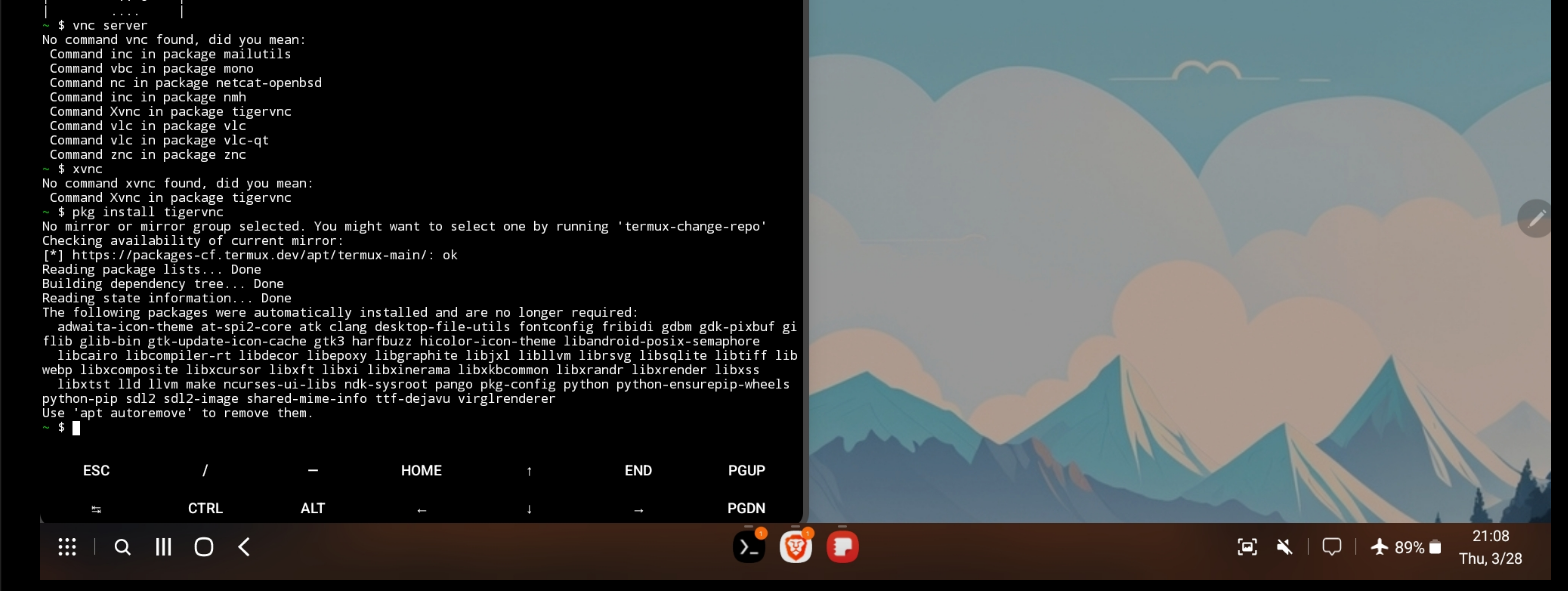
Start using Termux with Alpine Linux! 🚀
Check available Packages and install them as:
pkg install htop
pkg install openssh
#pkg install tigervnc-viewer
#vncviewer 192.168.1.100::5902
You can also Virtualize with QEMU.
# pkg install root-repo
# pkg install unstable-repo
# pkg install x11-repo
# pkg install qemu-system-x86_64-headless
# termux-setup-storage

pkg update
pkg install pkg install qemu-system-x86_64-headless qemu-utils wget -y


#Virtual & x86_64
#wget https://dl-cdn.alpinelinux.org/alpine/v3.19/releases/x86_64/alpine-virt-3.19.1-x86_64.iso
Here you can find more packages.
How to use Andronix to Run Linux
PrimeOS was interesting back in the days
Better Android OS
- Android alternatives: https://www.privacytools.io/android-alternatives
- Ubuntu Touch
- Lineage OS
Private Android with LineageOS
SUpported devices list: https://wiki.lineageos.org/devices/
You can also have a look to CalyxOS
Private Android with GrapheneOS
Google Pixels Only - https://grapheneos.org/releases
How to Change Android ROMs
- How to do it - https://www.linuxfordevices.com/tutorials/openandroidinstaller-android-rom
- Other custom ROMs: https://www.xda-developers.com/tag/custom-rom/
How to remove undesired Android Apps - Hail Project
Disable / Hide / Suspend / Uninstall Android apps without root.