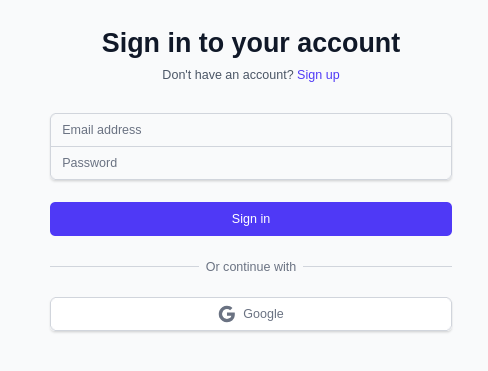
Authentication
Authentication
There are several ways to achieve this.
Agpl v3 | An Easy to Use and Self-Host Single Sign-On Provider 🐈⬛🔒
You can get away with Traefik x TinyAuth for web Apps and get that lovely https.
Even FastAPI with a simple sqlite DB can do the job: with a simple user and password.
Simple Auth
Streamlit Auth
I started with Streamlit Authenticator.
But then, discovered that there are more ways to do authentication with streamlit: https://github.com/JAlcocerT/Streamlit-AIssistant/tree/main/Z_Auth_Ways
Like using SQLITE: https://github.com/JAlcocerT/Streamlit-MultiChat/tree/main/Z_Tests/Auth_sqlite
Or Streamlit x Pocketbase as seen here
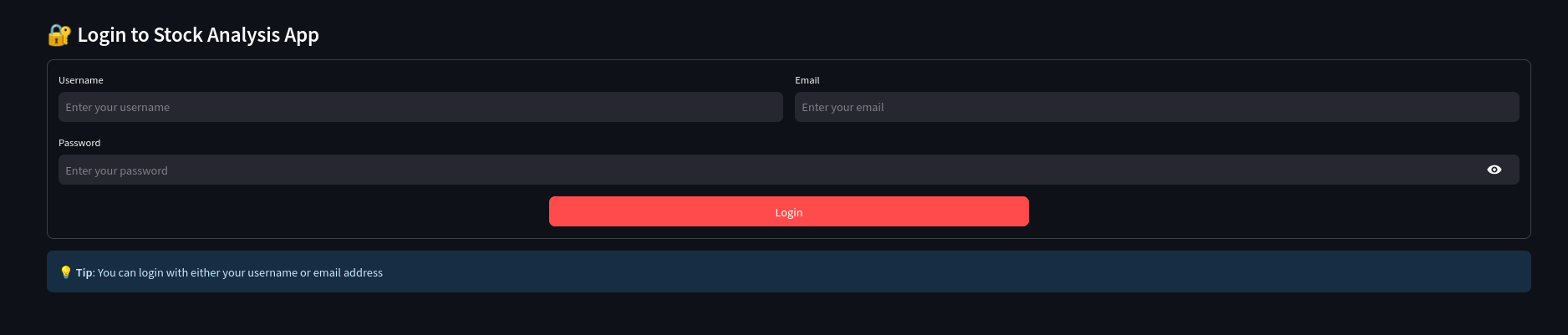
FastAPI x Login x Astro
https://jalcocert.github.io/JAlcocerT/audio-recap/#the-fastapi-speech-rater

Authentication with Logto
I used Logto for Python Web Apps, other than streamlit.
And also for NextJS webapps.
I have been tinkering with LogTo via:
The 3 Bodies post and app.


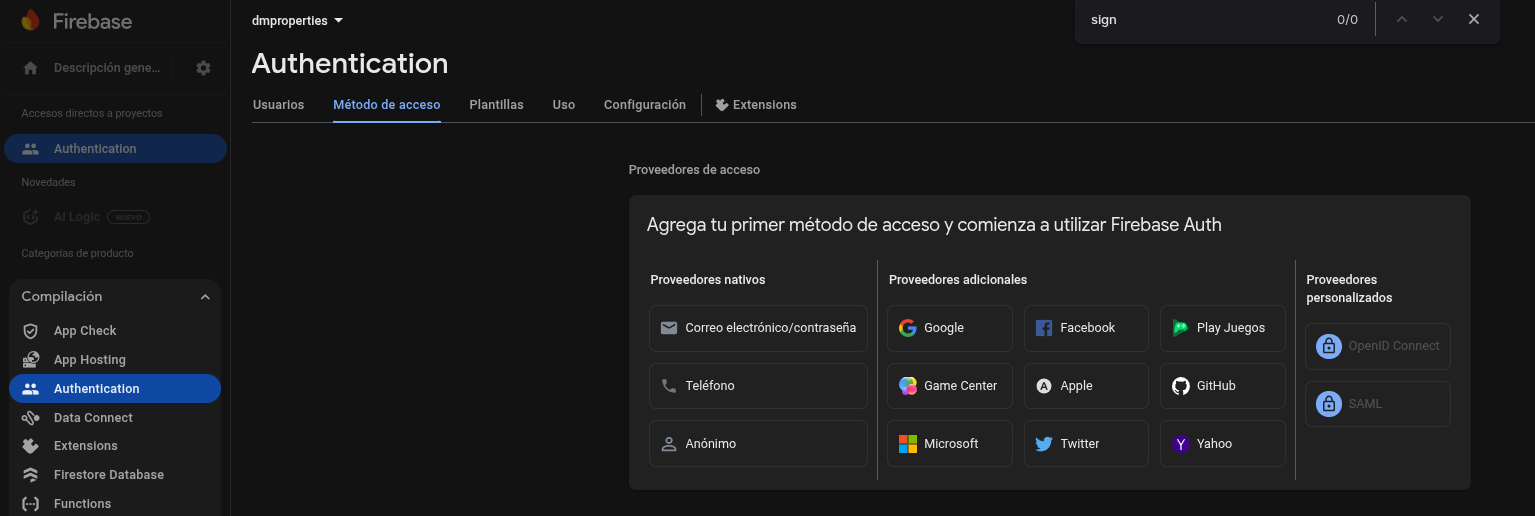
Firebase Authentication
This one is…serverless!
So you dont care about the server, it just works.
Authentication via Pocketbase
https://pocketbase.io/docs/authentication/#api-keys
Authentication via TinyAuth
If you got https via Traefik in place, you can use TinyAuth.
The Tinyauth (Authentication Proxy) project uses cookie-based session management built on top of JSON Web Tokens (JWTs).
Tinyauth uses the cookie as the transport mechanism to carry the JWT, which is the actual proof of the user’s authenticated session.
inyAuth is primarily a Forward Authentication Proxy. Its job is very narrow:
Handle the login (using local users or an external OAuth/LDAP provider).
Manage the user session (stored in its internal SQLite DB).
Check if the user is authorized to access a path (using whitelists or OAuth group checks)
About 🍪 Tinyauth Authentication Mechanism 👇 📌
- Authentication (The Login Process)
Tinyauth supports multiple ways to verify the user’s identity:
- Local Credentials: It checks a submitted username and password against credentials (stored as Bcrypt hashes) defined in environment variables (
USERS) or a users file (USERS_FILE). - OAuth/OIDC: It acts as an OAuth client to delegate authentication to external providers like Google, GitHub, or any generic OpenID Connect (OIDC) server.
- LDAP: It can connect to a central LDAP server to validate credentials.
- TOTP (Time-based One-Time Password): It supports Two-Factor Authentication (2FA) using a TOTP secret.
- Session Management (The Cookie)
After a successful login, Tinyauth generates a session that is primarily managed using two key technologies:
JSON Web Token (JWT): The core of the session is a JWT. This token contains the authenticated user’s identity claims. Tinyauth is often described as stateless because it doesn’t need to query a database to validate a session—it only needs the token and its secret key.
Secure Cookie: The generated JWT is then signed using a secret key (configured via the
SECRETenvironment variable) and placed into a secure cookie on the user’s browser.- This cookie is set for the parent domain of the application being protected (e.g., if the app is at
app.example.com, the cookie is set for.example.com). This allows the authentication to work across all subdomains. - The protected application (via the reverse proxy, like Traefik or Nginx) checks for the presence and validity of this cookie/JWT on every request. If the cookie is valid, the request is passed through. If not, the user is redirected back to the Tinyauth login page.
- This cookie is set for the parent domain of the application being protected (e.g., if the app is at
JTW vs Server Side Session Storage 👇 📌
Yes, a JSON Web Token (JWT) is a type of Bearer Token.
- Is a JWT a Bearer Token?
Yes, a JWT is a type of bearer token.
- Bearer Token: The term “Bearer Token” describes how the token is used. It means that whoever bears (possesses) the token is granted access, like cash or a passport. The client sends it to the server, typically in the
Authorization: Bearer <token>HTTP header. - JWT: The term “JWT” describes the format of the token. It’s a structured, self-contained token that includes user information and claims within a JSON object, which is then cryptographically signed to prevent tampering.
Therefore, a JWT is a specific, self-contained, and signed format that is commonly used as a bearer token.
- JWT vs. Server-Side Session Storage
The choice between a JWT (token-based) and a traditional session (server-side) system is a classic trade-off between Scalability and Revocability/Control.
| Feature | JWT (Stateless/Token-Based) | Traditional Session (Stateful/Server-Side) |
|---|---|---|
| Scalability | Excellent. The server does not store session data. Any server can validate the token independently. Ideal for microservices and distributed systems. | Challenging. Requires a centralized session store (e.g., Redis, database) to share state across multiple servers, adding complexity. |
| Revocation | Poor. Once a token is issued, it’s valid until it expires. Immediate revocation (like a forced logout or permission change) requires a separate blacklist lookup, which defeats the stateless benefit. | Excellent. To log a user out, the server simply deletes the session record from the database/store. Revocation is instantaneous. |
| Performance | Faster Validation. The server only verifies the cryptographic signature, avoiding a database lookup for every request. | Slower Validation. Every request requires a database/cache lookup to find and validate the session ID. |
| Data Storage | The client stores the data (in the token/cookie). This data is visible (though signed) to the client. | The server stores the data. The client only stores an opaque, random session ID. |
- Choose JWT if you are building a stateless API, a system with many microservices, or if high performance and horizontal scalability are your top priorities. Use short-lived tokens and refresh tokens to manage the revocation issue.
- Choose Traditional Sessions if you are building a monolithic application, or if real-time session revocation (instant logout, immediate permission changes) and stronger security control are absolutely critical.
This is a project with server sise session storage: https://github.com/JAlcocerT/make-podcast
And this is one with http cookie: https://github.com/JAlcocerT/payroll-workers-pb
Yes, there is a way to use TinyAuth to whitelist specific emails for access.
This functionality is central to how TinyAuth works when you are using an external identity provider (like Google or GitHub OAuth). However, you do not directly interact with the SQLite database to manage this list.
📧 Whitelisting Emails in TinyAuth
TinyAuth manages the email whitelist through its configuration, which can be defined using environment variables or a configuration file. The SQLite database is only used internally by TinyAuth for session management and storing the local user database (if enabled), not for the whitelist itself.
When a user attempts to log in via an external OAuth provider:
TinyAuth redirects the user to the provider (e.g., Google).
The provider authenticates the user and returns their profile information, including their email address.
TinyAuth checks this returned email address against its internal whitelist.
If the email matches an entry on the list, TinyAuth issues a session cookie (which is stored in its internal SQLite DB) and grants access. If it doesn’t match, access is denied.
Whitelisting via Environment Variables (Common Method)
The simplest way to whitelist emails is by setting the WHITELISTED_EMAILS environment variable when running the TinyAuth container or service.
- You provide a comma-separated list of the exact emails that are allowed to access the protected application.
Example:
-e WHITELISTED_EMAILS="alice@example.com,bob@example.com"
- Whitelisting via Configuration File
If you have a very long list of emails, or you want to manage access using specific domains or groups, you can use a configuration file (.yaml or .json).
The configuration file allows you to define a list of allowed emails and/or domains.
Example (YAML config):
users:
  emails:
    - "admin@mycorp.com"
    - "manager@mycorp.com"
  domains:
    - "mycorp.com"  # Allows any user from this domain
Email Verification
Use any of the following to not just authenticate, but verify emails:
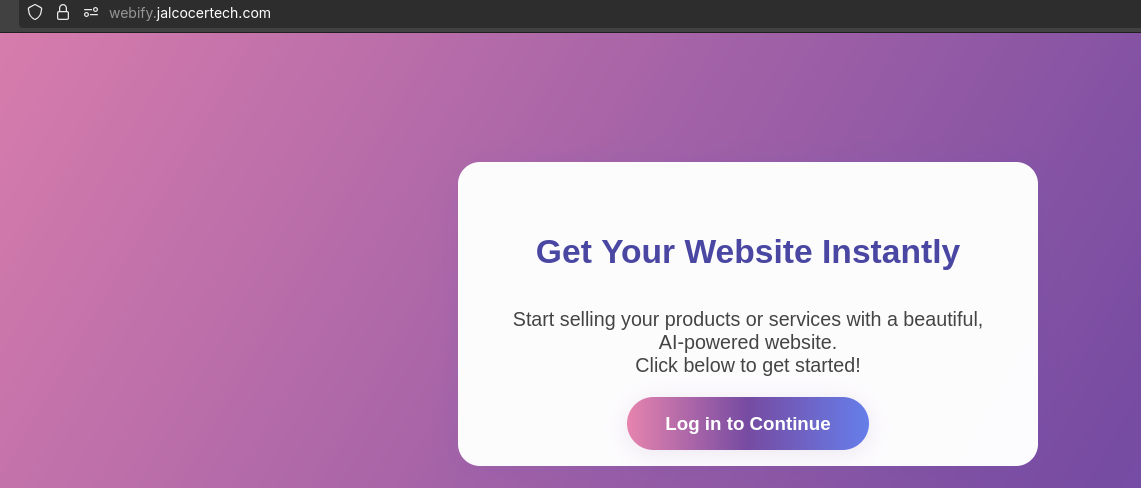 Logto working with Flask WebApp
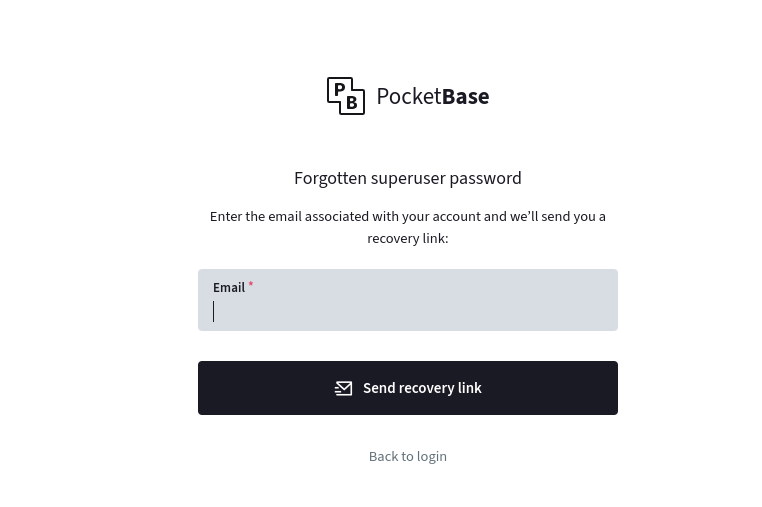 PB x Mailtrap
Sometimes, you can get away with ‘serverless’ authentication: I mean, PB works with FastAPI and Astro SSG
But for pure serverless: google firebase authentication worked great for me