Benchmarks for HomeLab
If you are into Selfhosting, you will wonder if you should go for a VPS or a SBC/MiniPC.
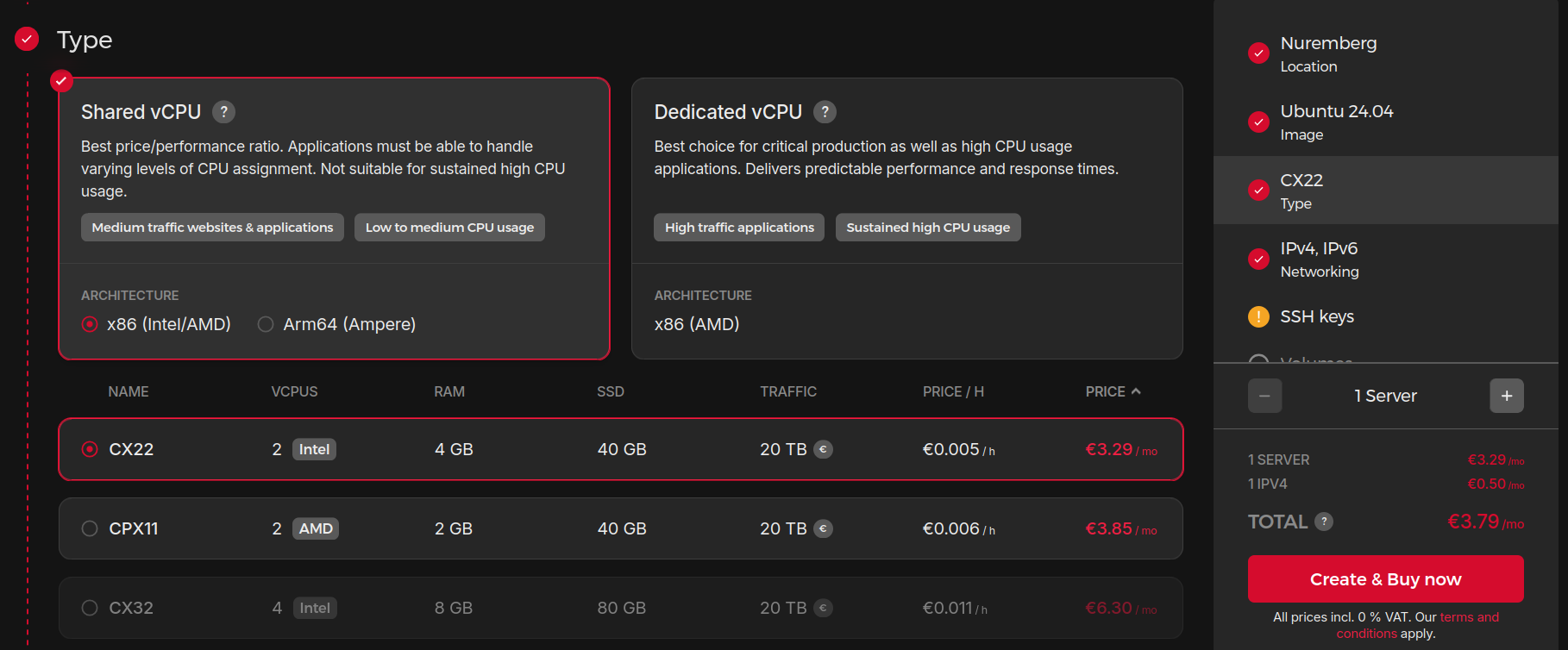 Where to Deploy
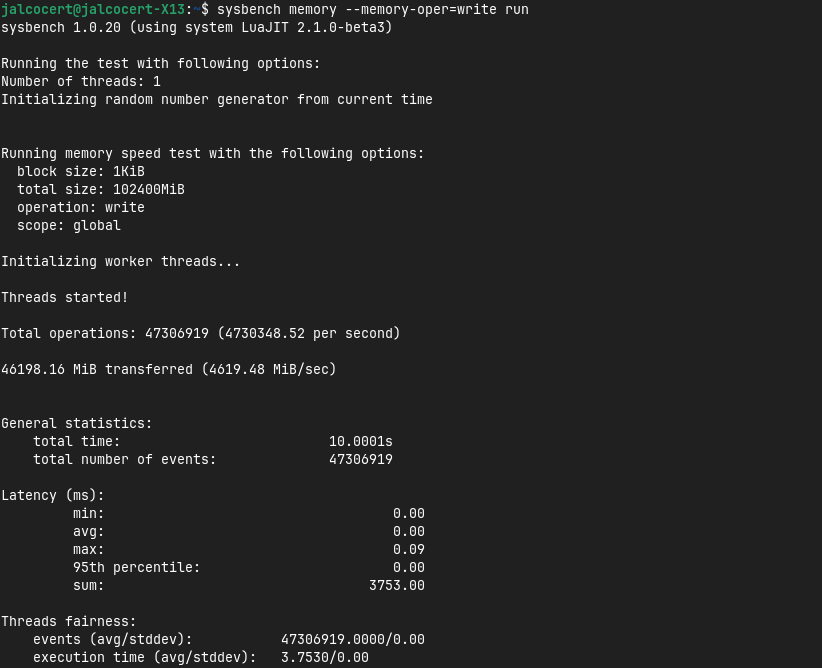 About Benchmarking POST
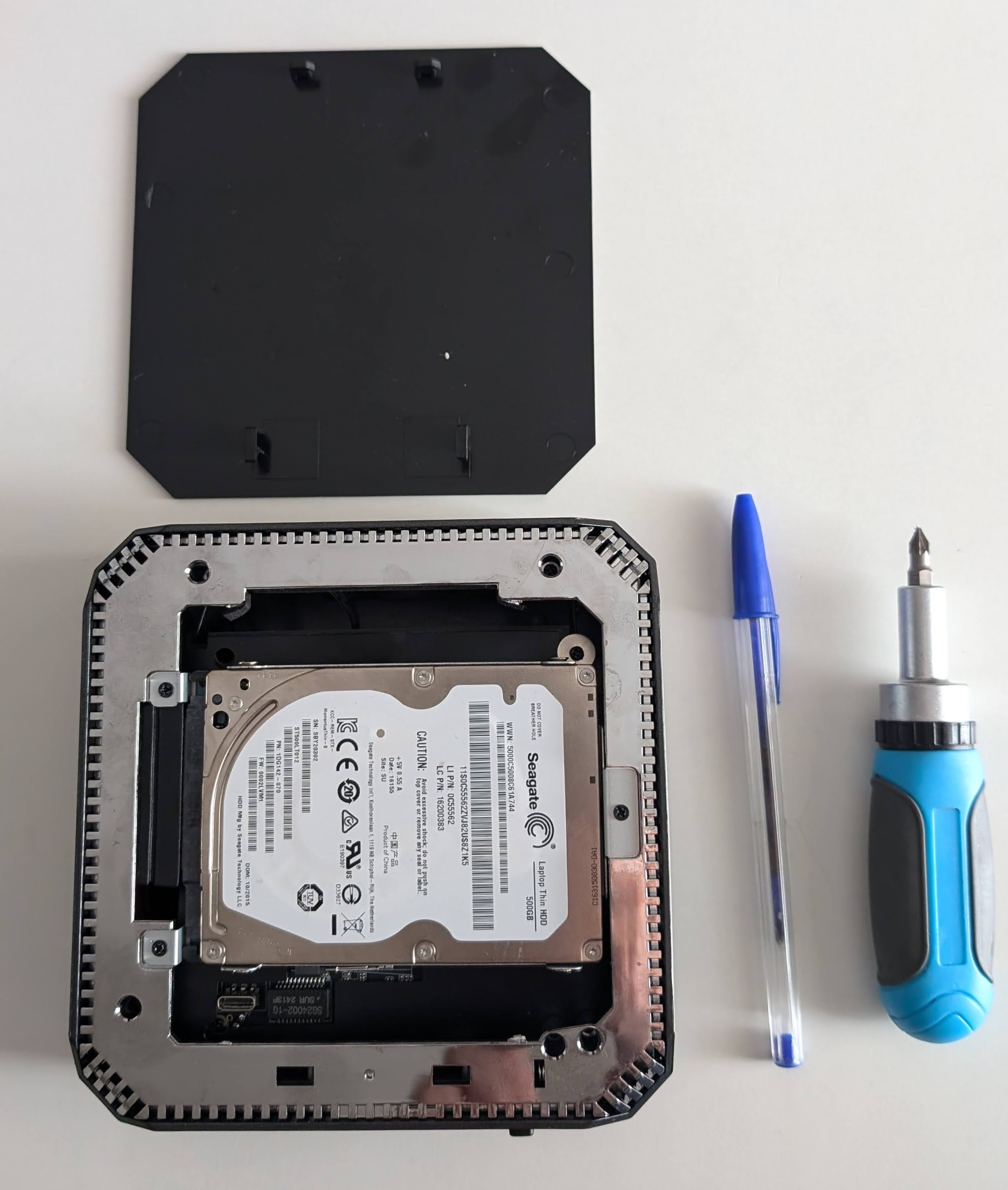
Sometimes re-purposing an old computer or laptop at home is enough.
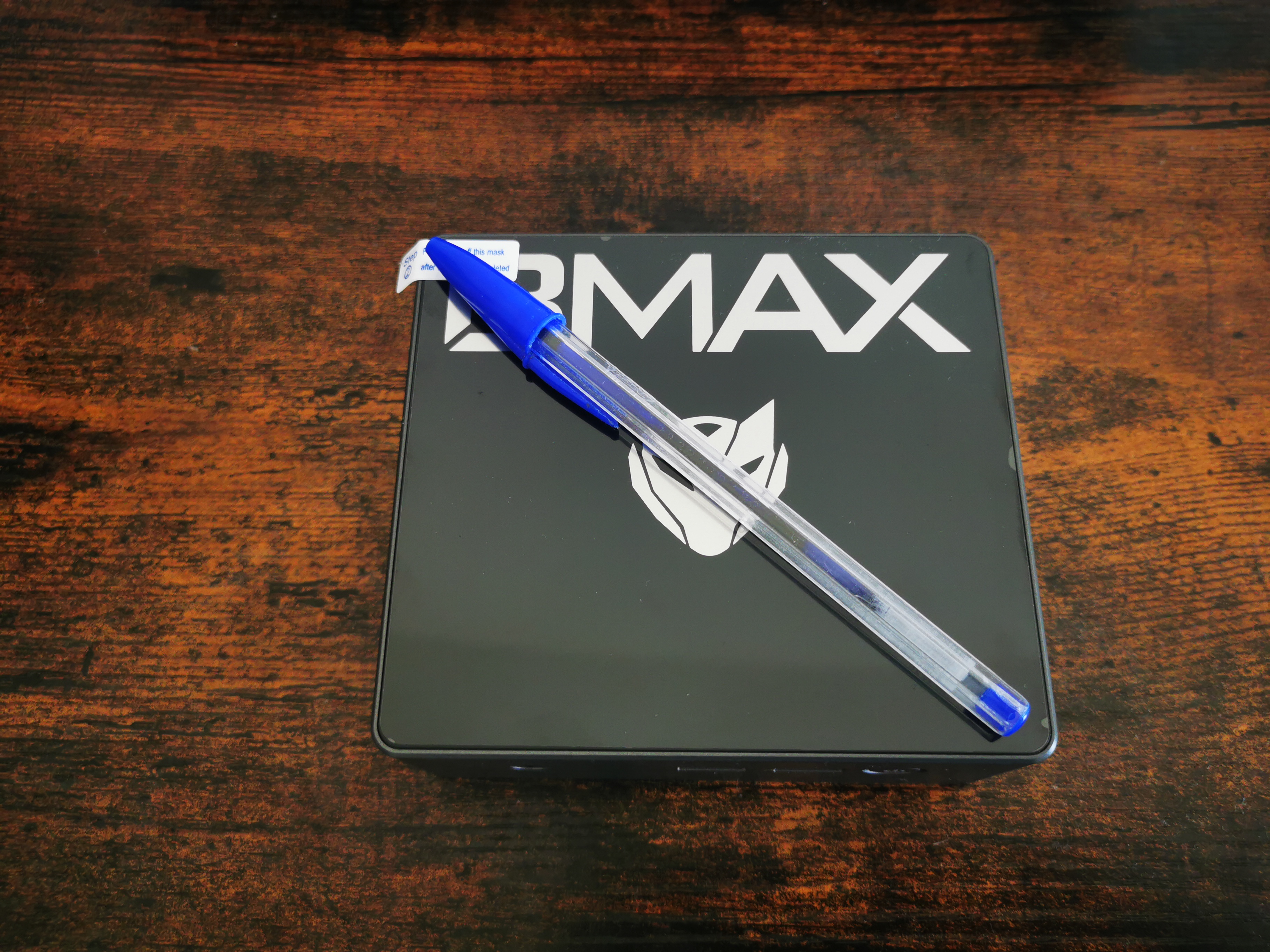 SBC vs MiniPC Comparison
 FireBat AK2 Benchmarks
Others, you will just do the custom SFF PC build that you ever wanted to get:
 X300 Review
 Testing the Thinkpad X13
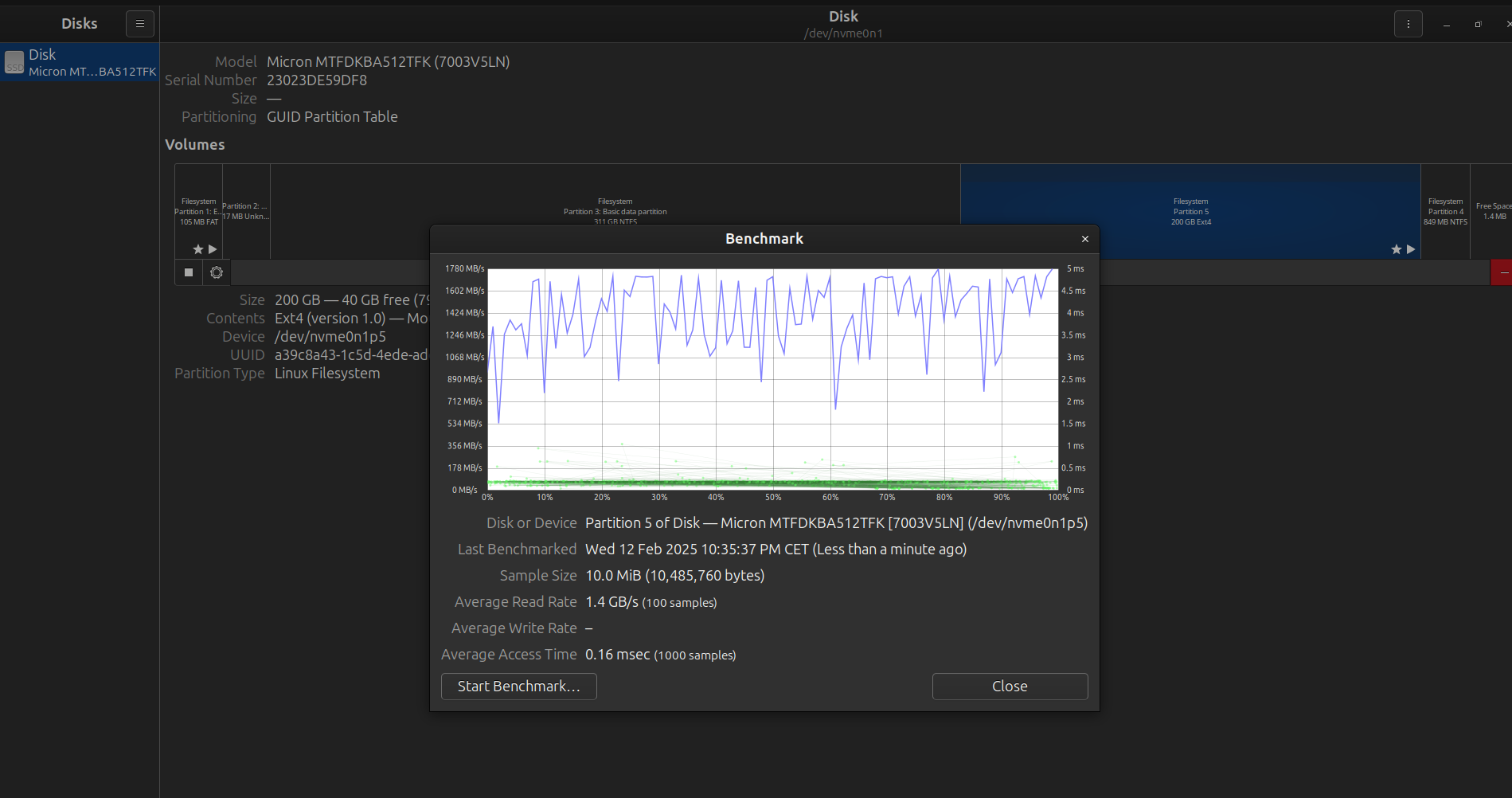
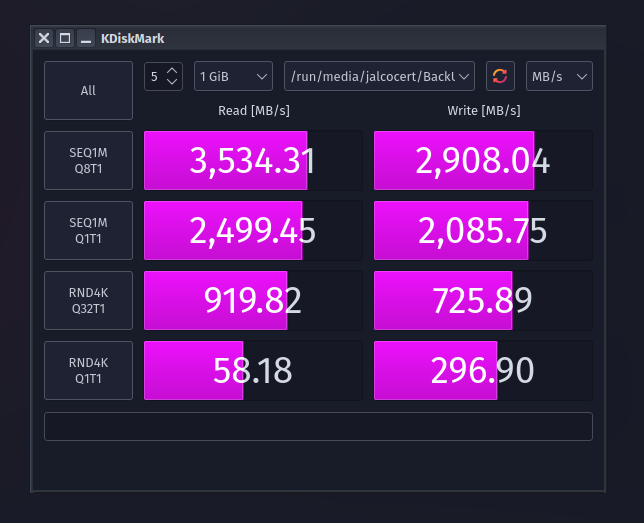
You can also test the speed of your SSDs:
Also, Power consumtion matters.
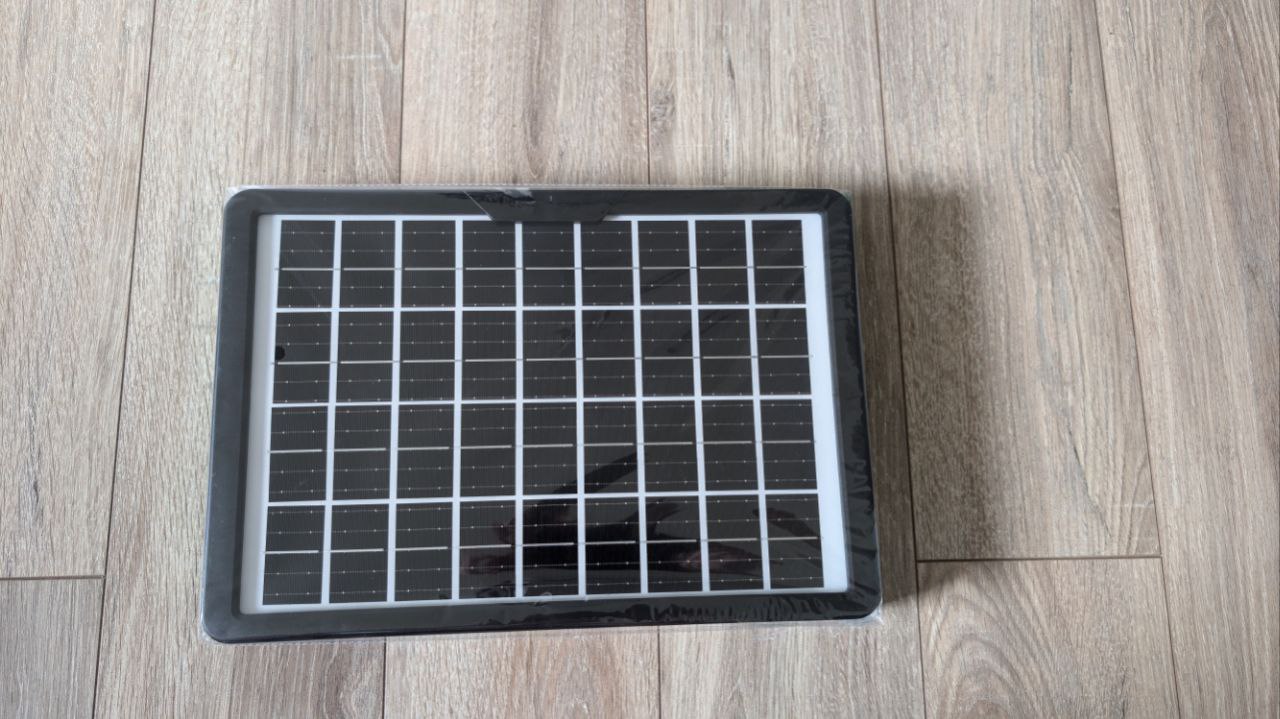
Even if you got your a nice solar panel setup:
As per my energy experiments: expect idles of ~15W for a x300 / ~10W for a BMAX or a laptop / ~5W for a Pi
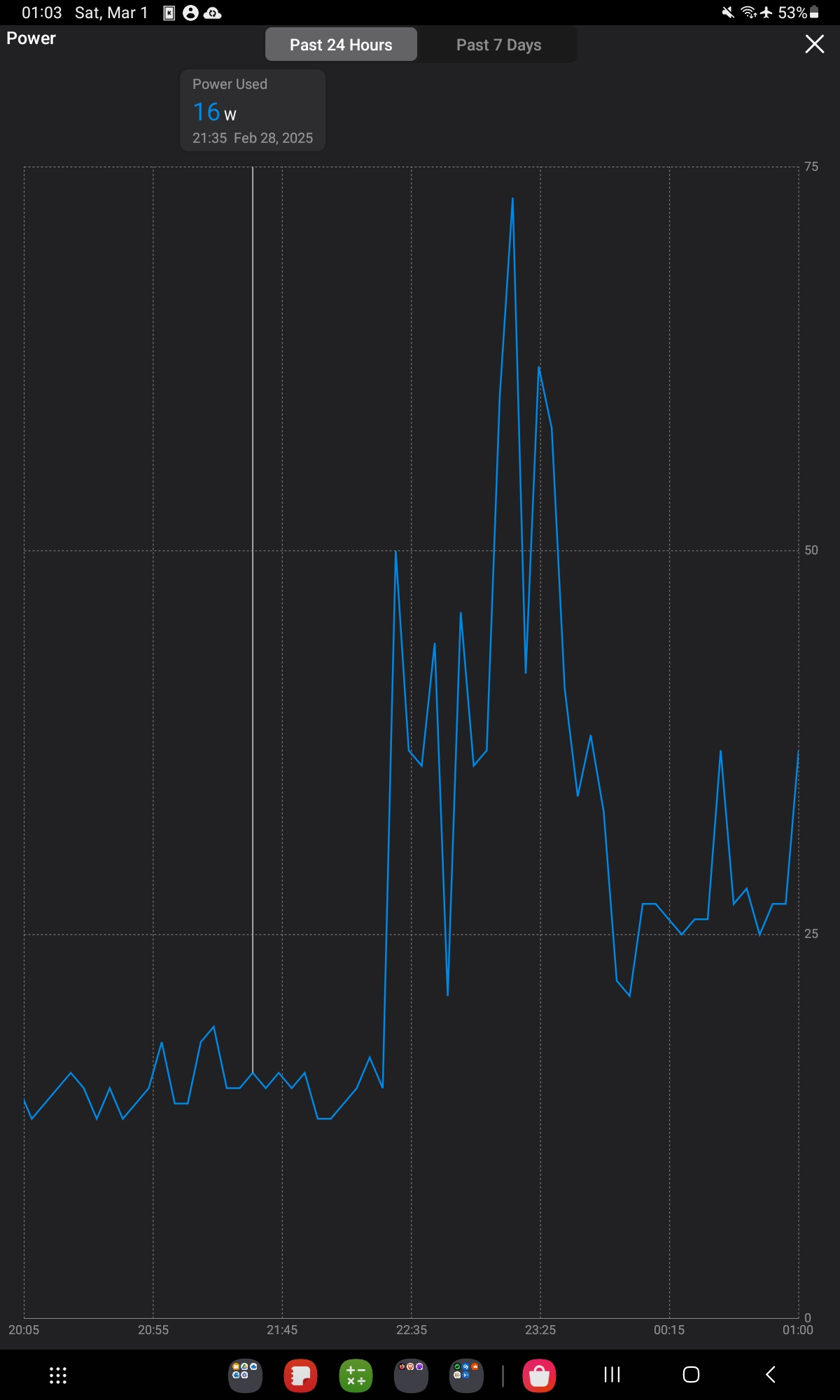 Tapo Smart Plug Post
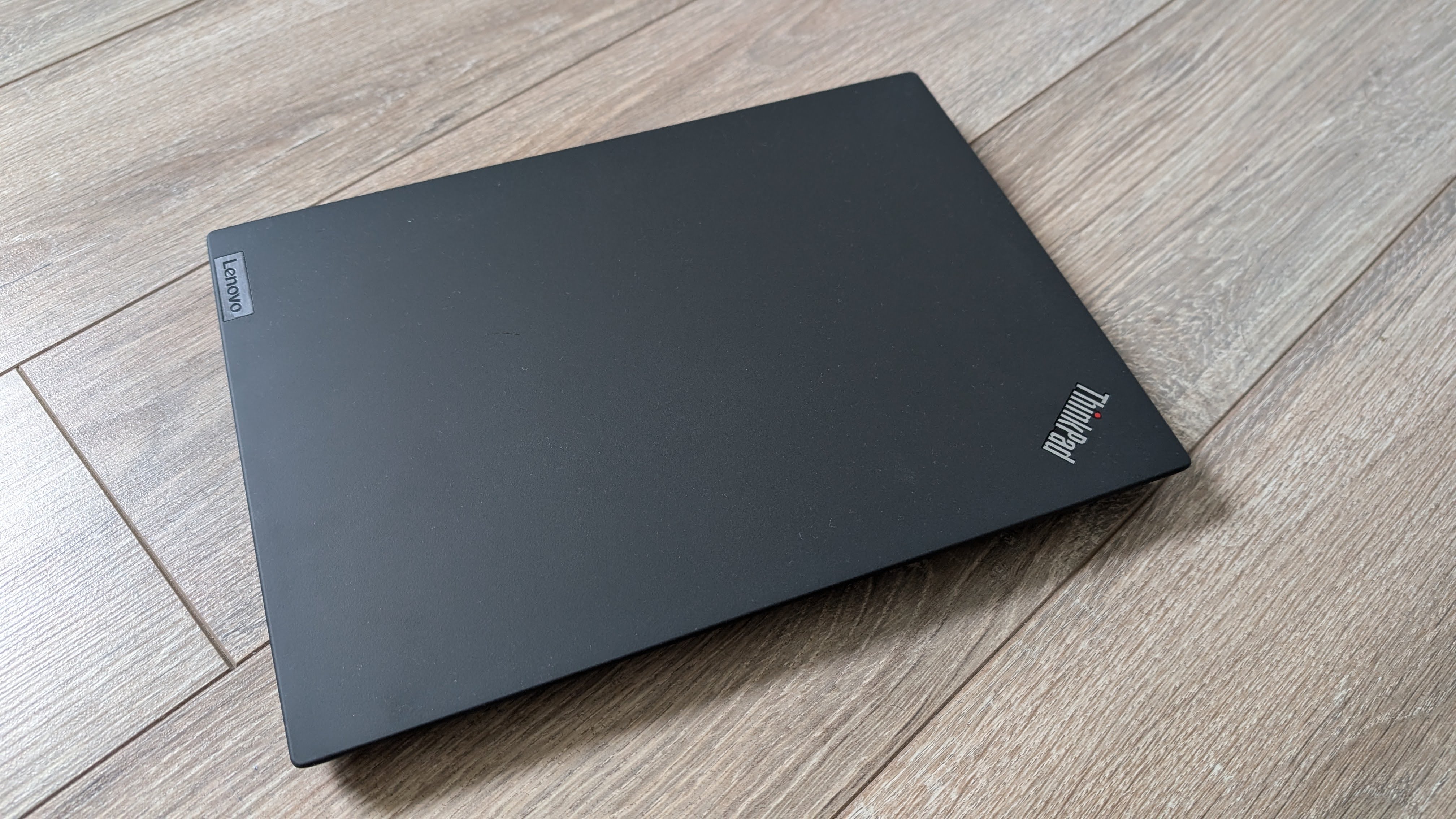 Testing the Thinkpad X13
The OS you choose will matter to the energy consumption, specially if there is AI/agentic stuff going on that you dont really need.
Internet BenchMarks
When doing constatly these CLI’s is not an option:
ping google.comWe can use these tools to benchmark our internet speed:
Testing 4G Connection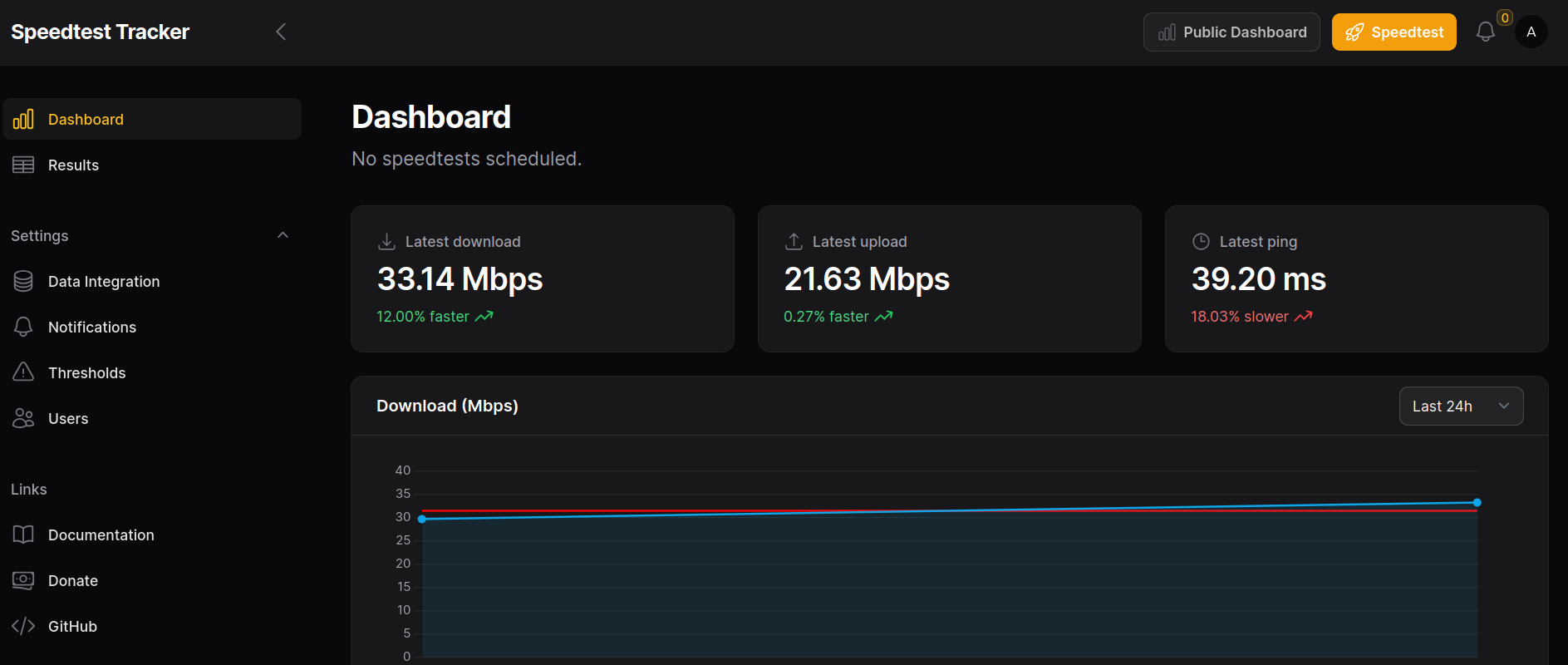 Testing a Travel Router
You could also have a look to Monitor solutions for internet: