[PaaS Recap] Software and Servers...
Tl;DR
Ive recently heard that buying a NAS seems to make things much easier/better/faster than a MiniPC + Docker.
Time to prove that’s not always true, especially with these PaaS Tools available.
Consider this a PaaS 101 if you dont know what im talking about.
Intro
So you’ve been around even when ATI was still a thing.
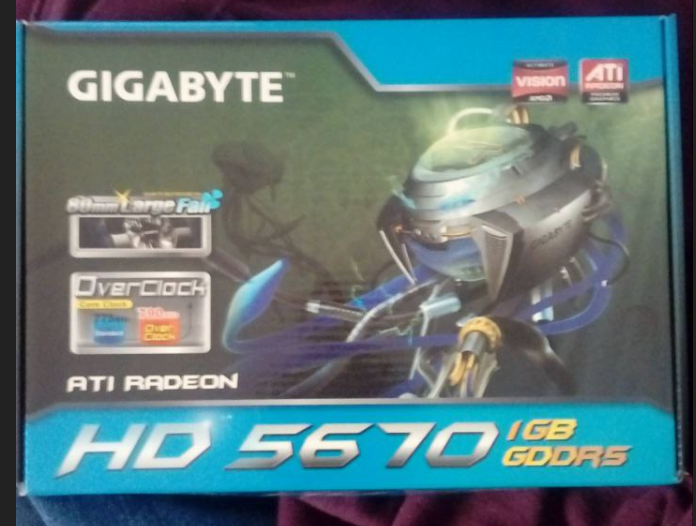
You were using Linux OS’s when nobody was.
And now apple ecosystem is so confortable that makes anything else scary?
Pleeeeeease…
Few months ago, I wrote about different PaaS Tools
And more recently, I made a VPS recap on where to deploy your SaaS/apps.
Playing with other dev’s apps baremetal, without containers is a no go and everytime I vibe code sth I dont consider it finished until it works within Make and a container.
Next level goes if you are confortable with Selfhosting via container ymls within a HomeLab:
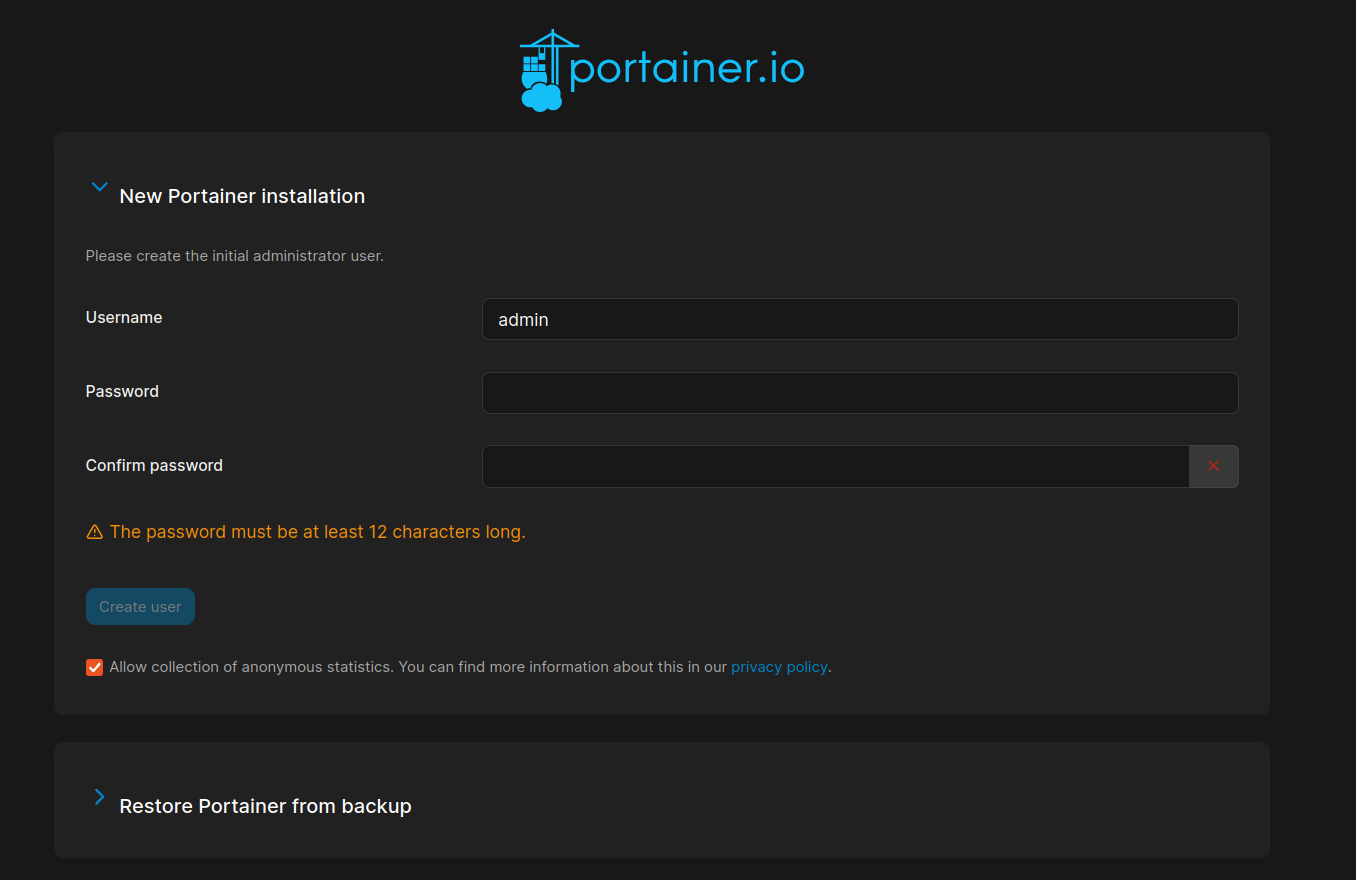

And…last level: The builder:
UmbrelOS, Cosmos Server or tools like Coolify, Dokploy….and many others are great.
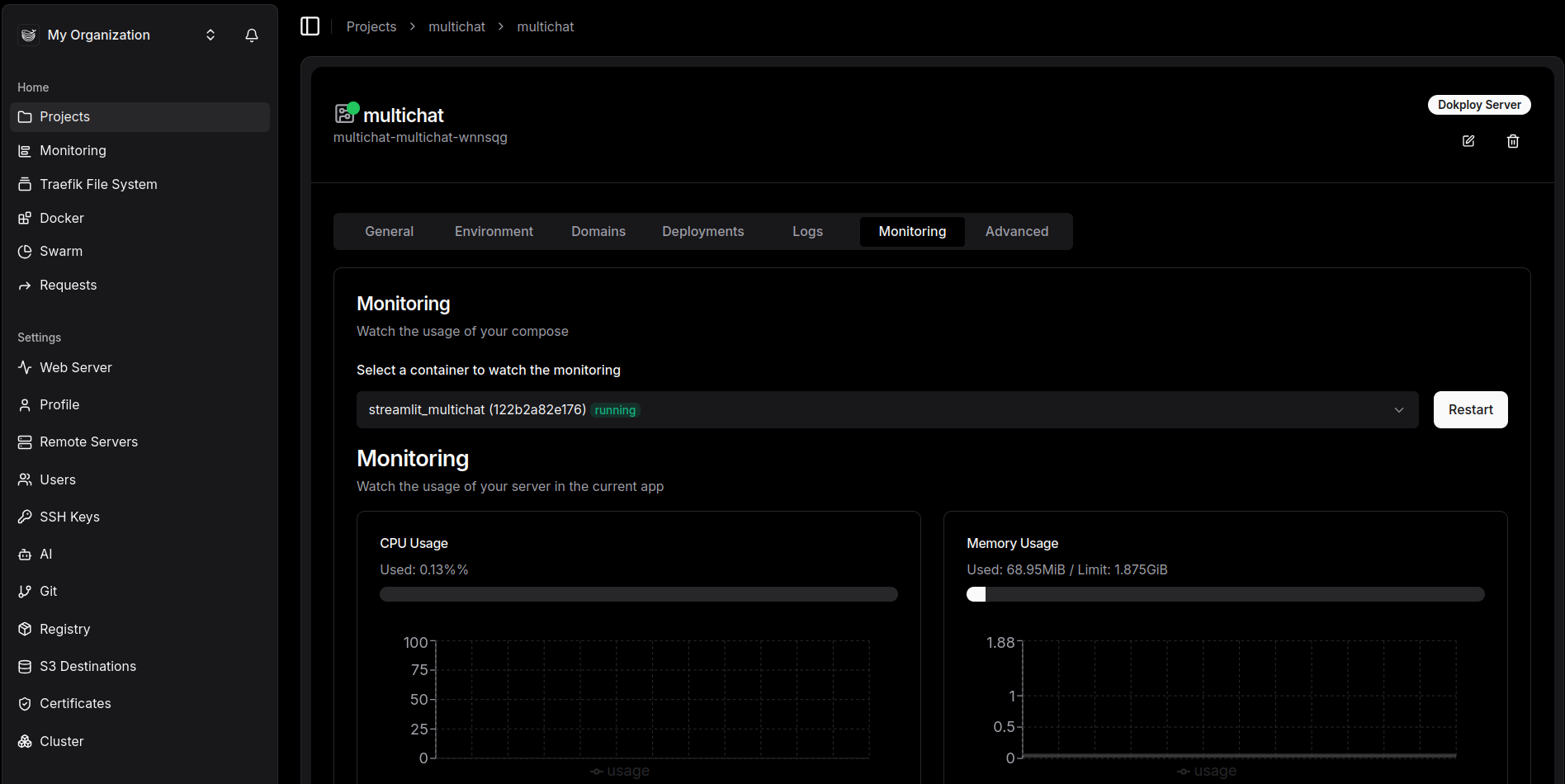
This feels like time for a PaaS recap: focusing on how to deploy your SaaS/apps and/or create a platform for users to self-service from OSS projects.
Intro
If you are also new to HomeLabs and/or Linux.
These are some reasons for you to stay:
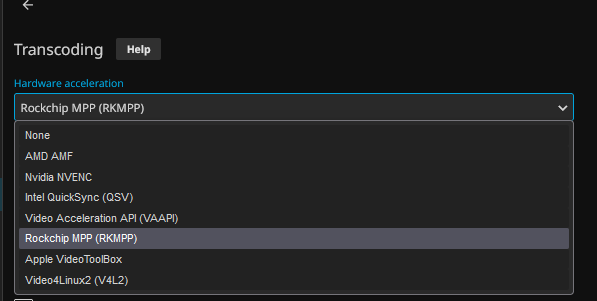
You can even run a Jellyfin Media server with a Opi SBC!
And forget about mandatory cloud subscriptions to get a notepad running
I want to make a recap of PaaS Tools available.
Its been a while since I started selfhosting with the Pi, so hopefully this will come handy to people getting started.
PaaS Tools
I was collecting the configurations for these tools before:
With this post, Ive made sure they are on the new repo and working:
Today, we are going to see:
- LocalStack
- RuntiPi
- UmbrelOS - Not a PaaS, but having a OS inside a docker container and just click to deploy apps is fantastic
- Coolify and Dokploy
Others First
LocalStack
LocalStack is a tool designed for developers who want to test AWS functionalities locally.
It provides an emulated environment of AWS services, solving issues related to unpredictable billing and resource management during development.
- Purpose: LocalStack emulates AWS API functionality.
- Problem Solved: Allows local testing without involving AWS services directly.
- Installation:
- Sign up with a GitHub account.
- Use
brew install localstack/tap/localstack-clifor installation on macOS. - Requires Docker to function as a local “mini-cloud” operating system.
- Basic Use:
- Set environment variables for AWS access.
- Create services like S3 buckets using standard AWS commands.
- Offers a Community Image for free usage.
- Limitations:
- Not all AWS services are fully emulated; some are available only in the Pro version.
- Works with a single API endpoint unlike AWS’s regional separation.
- Key Features:
- Supports essential services like EC2.
- Allows basic CRUD operations.
- Requires understanding of feature coverage before use.
Runtipi
- https://github.com/runtipi/runtipi with AGPL-v3!
Runtipi is a homeserver for everyone!
One command setup, one click installs for your favorites self-hosted apps. ✨
Got to know this one thanks to awsomedockercompose
DokPloy vs Coolify
Like the well known Coolify and Dokploy:
Wait: Coolify is PHP based vs Dokploy that is NextJS based
But for pragmatic users, who want to build on top of such tools:
Dokploy on a VPS
I wrote about Dokploy here
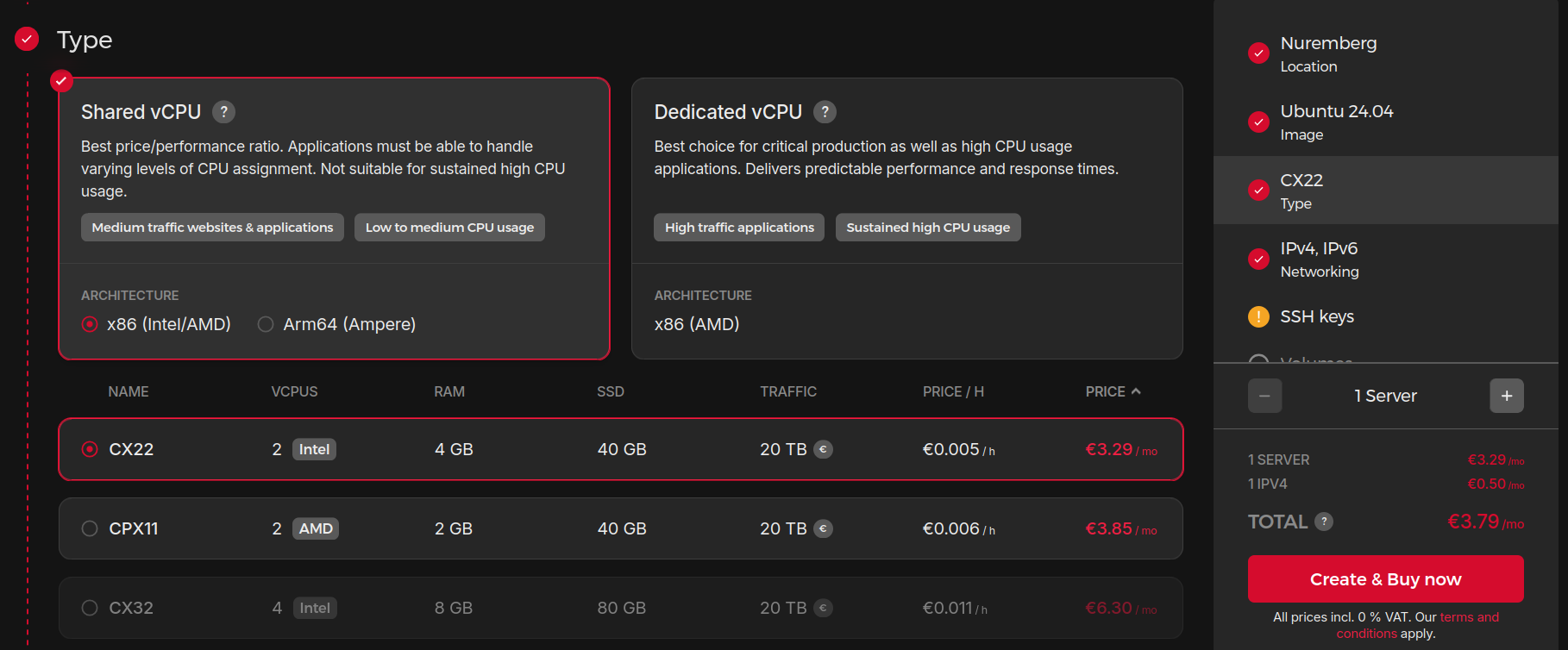 Where to Deploy
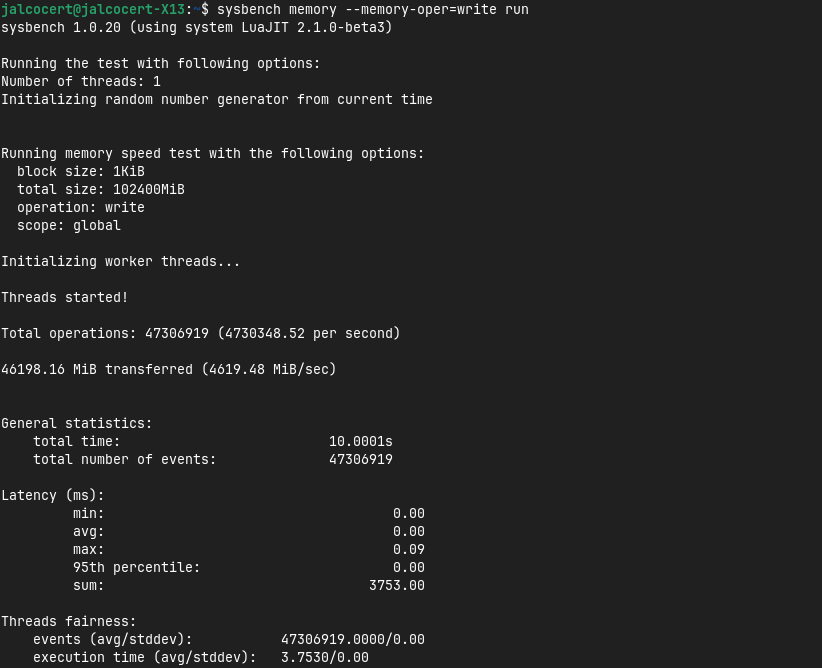 About Benchmarking POST
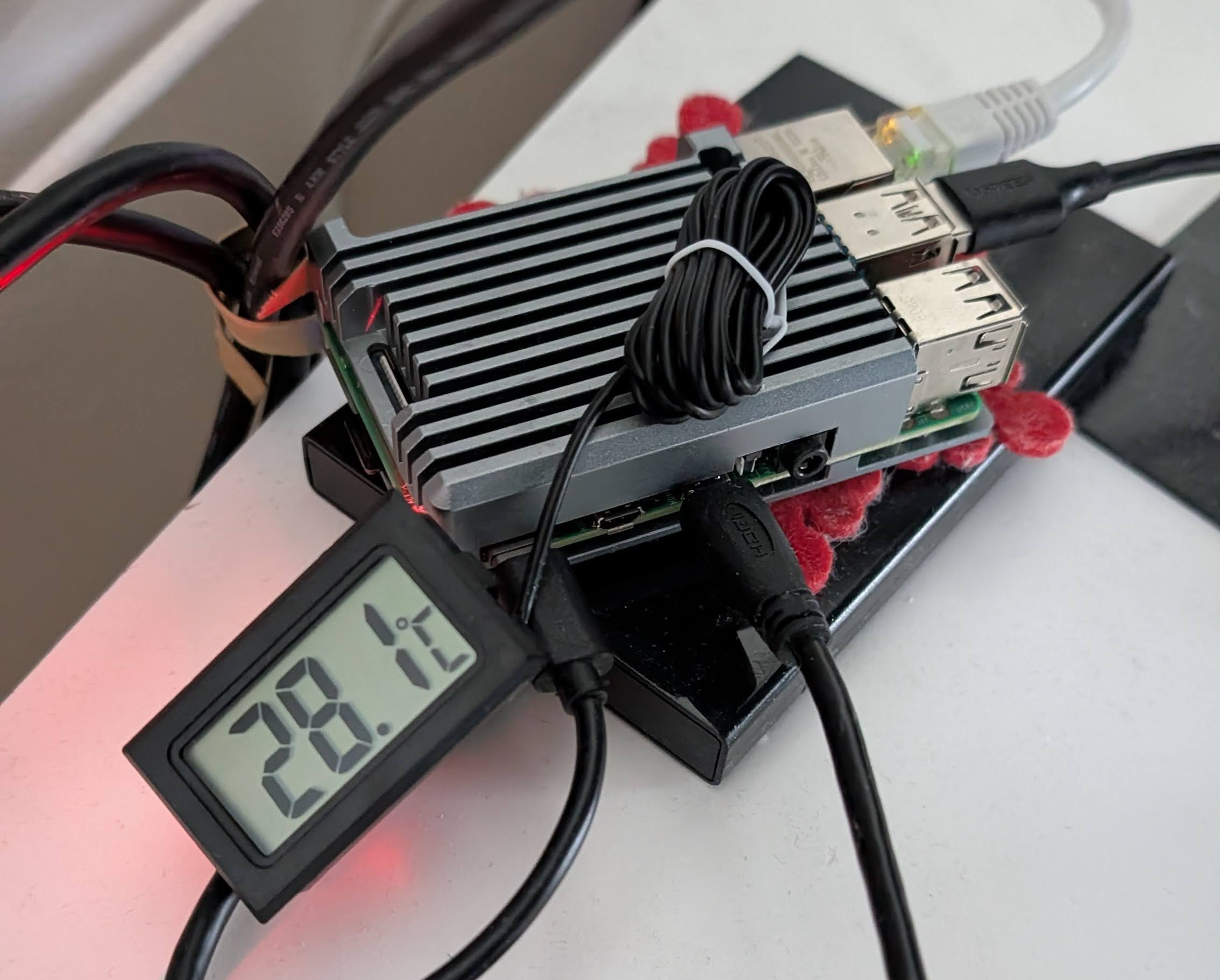
Setting up Coolify on a Pi
Because why not.
OSS OS inside containers
How could we think that running windows inside a container is the only possible OS that allow it.
Remember, we even had web tops!
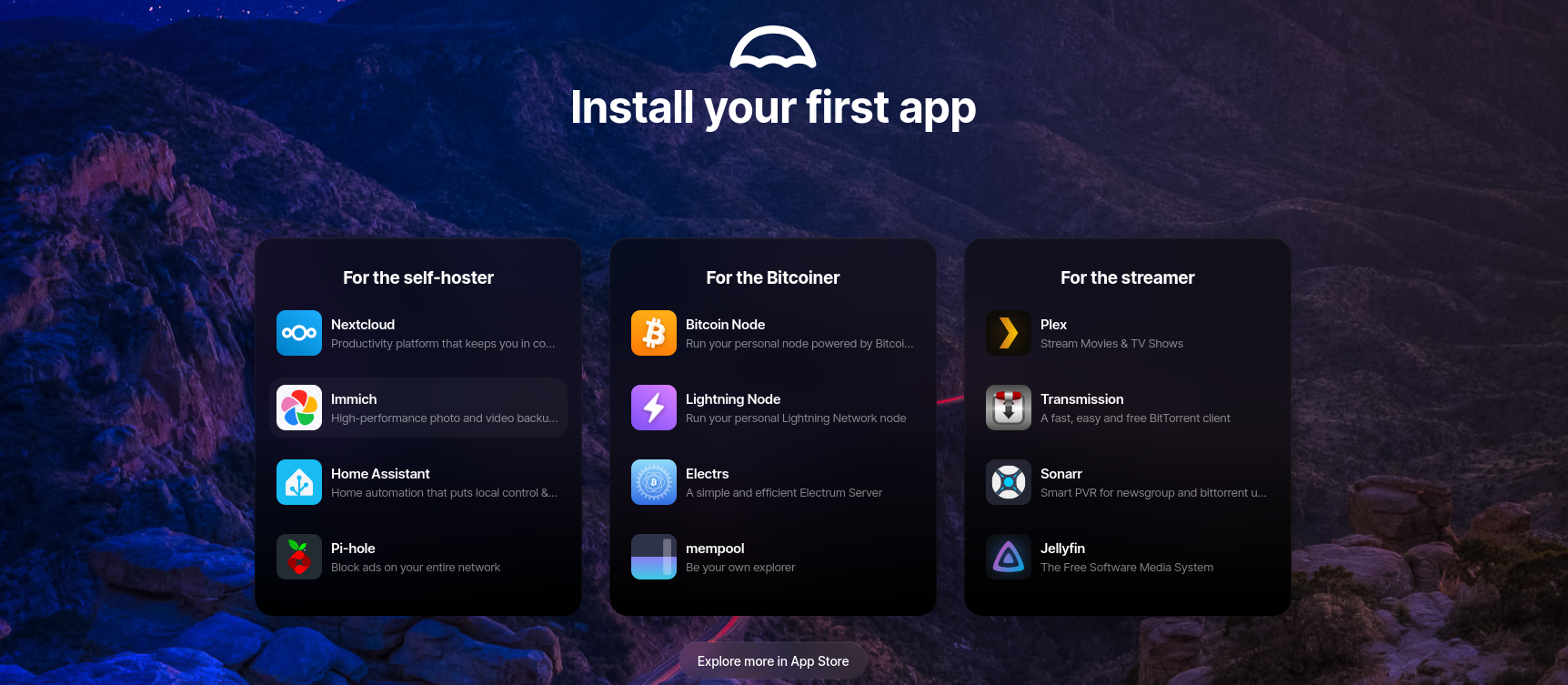
And one of my recent learnings: UmbrelOS and Cosmos Server, both allow one click deployment of apps
Cosmos Server vs UmbrelOS
Im still hyped with Umbrel os and their tons of Apps, available at one click via UI.
If you need nextcloud or want to practice D&A on crypto - btc node, you are covered: https://apps.umbrel.com/app/
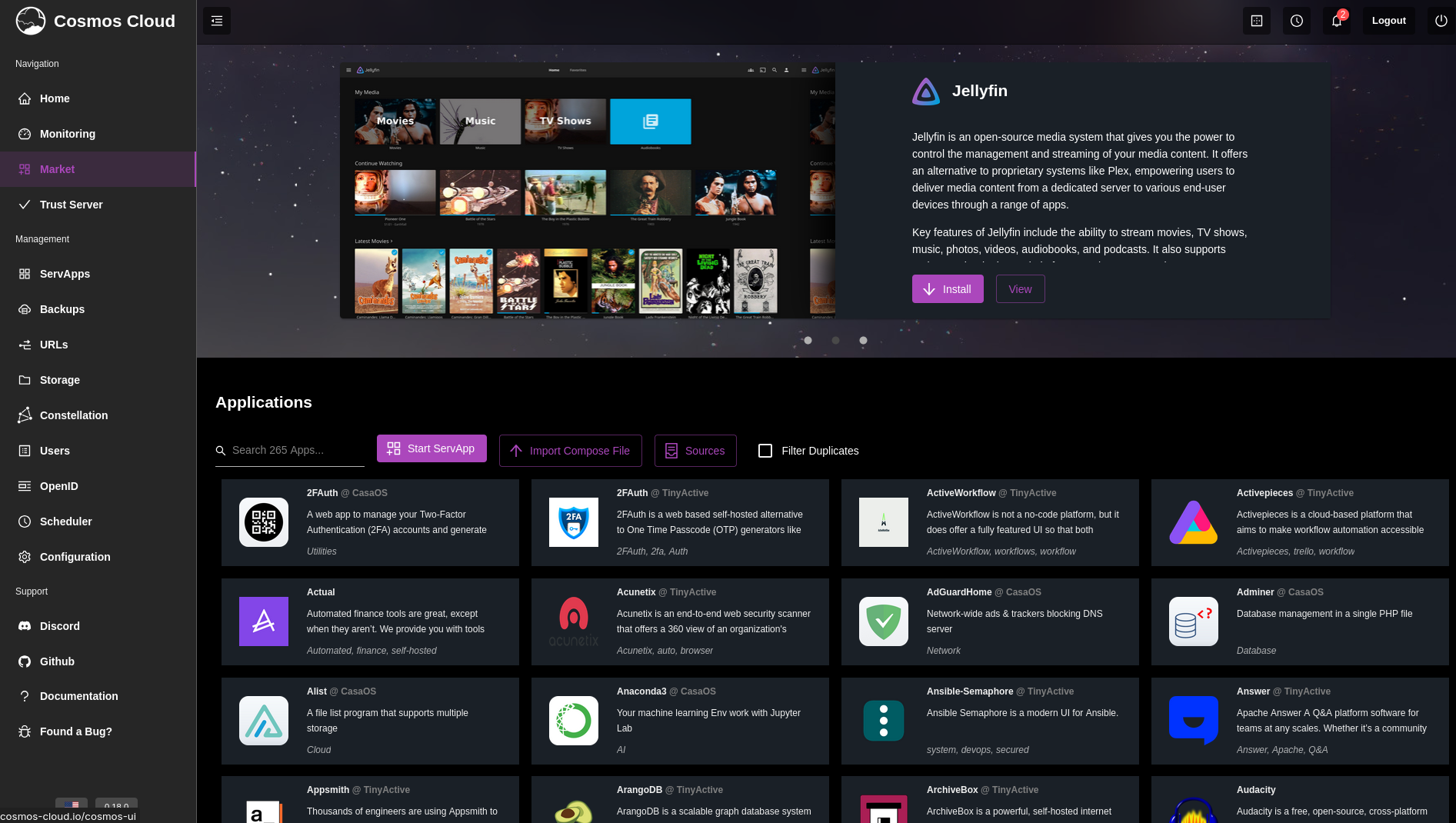
And with a https://github.com/azukaar/Cosmos-Server you can literally: ,Escape the cloud'
Using PaaS to Host Vibe Coded WebApps
This years is been all about using AI to create better Web/Apps.
I still love Streamlit for D&A PoCs, but lets be real, there are other much more flexible fwks.
This has been my journey with web apps up to today.
And you can use any of their docker-compose.yml to host them via the covered PaaS!
At the end, ill also leave some other apps created and released as OSS which you might consider.
Tried RShiny After a DataCamp Course
The output was…RStocks!
Switched to Python and tried DASH
This is how the trip planner was created, containerized and deployed to GCR, to be later moved to Cloudflare Tunnels.
I also learnt to make container images via CLI, but also via CI/CD with GHA.
Got in love by Streamlit simplicity
Used Flask for quick webaps creeated by chatgpt on browser
This look very ugly…
But it got deployed with https :)
Live put me in a situation to use CodexCLI/Windsurf or fail
I failed, so started to build for me some WebApps
And I continued…
And continued
Until now
<a class=“hextra-card group flex flex-col justify-start overflow-hidden rounded-lg border border-gray-200 text-current no-underline dark:shadow-none hover:shadow-gray-100 dark:hover:shadow-none shadow-gray-100 active:shadow-sm active:shadow-gray-200 transition-all duration-200 hover:border-gray-300 bg-transparent shadow-sm dark:border-neutral-800 hover:bg-slate-50 hover:shadow-md dark:hover:border-neutral-700 dark:hover:bg-neutral-900"href=“https://jalcocert.github.io/JAlcocerT/docs/entrepreneur/bip/" target="_blank” rel=“noreferrer”>BiP | Docs ↗
<a class=“hextra-card group flex flex-col justify-start overflow-hidden rounded-lg border border-gray-200 text-current no-underline dark:shadow-none hover:shadow-gray-100 dark:hover:shadow-none shadow-gray-100 active:shadow-sm active:shadow-gray-200 transition-all duration-200 hover:border-gray-300 bg-transparent shadow-sm dark:border-neutral-800 hover:bg-slate-50 hover:shadow-md dark:hover:border-neutral-700 dark:hover:bg-neutral-900"href=“https://jalcocert.github.io/JAlcocerT/docs/entrepreneur/bip/#initial-prompts-for-success" target="_blank” rel=“noreferrer”>Vibe Coding | Docs ↗
Conclusions
There will be more and more tools coming to the PaaS Space.
Because is not just about creating, but deploying the applications so that they are available to the users.
But as of today, having a cloud at home is not that hard.
Like as I read on reddit:
Open Source Alternative to vercel, heroku, netlify with simplified workflows
They are working towards a v1 as of now!
A Brand around PaaS and OSS Software
Thinking now about this and the DIY/DWY/DFY framework…
graph TD
    A[www.jalcocertech.com] --> B(blog/YT 0$);
    A --> C(DIY 0/$ + time);
    A --> F(DIY & PaaS low $/year low time);
    A --> D(Consult via Cal.com - DWY $$);
A --> E(Services - DFY $$$);I thought that a kind of ~ advanced DIY is when someone is able to select the software that they want, via UI and it gets deployed seemlessly.
I had a draft over this idea when I tinkered with Dokploy - Scaling SSG Deployment section
- Setup a VPS and configure Dokploy
- Put SSG Themes x DecapCMS inside a docker container
- Let people come, see and choose which Theme they like (You need a WebApp with user on boarding for this - vibe code it)
- Once signed up and paid, make the tweaks to the theme via CMS UI only (Flat File AND Git based)
- This is abstracted - When changes are done, build the SSG and push it to static hosting with the domain configured
Very Important…the user should be empowered to make all the changes to the web on their own.
But whats the problem after having Decap-CMS with a cool UI that makes file changes and is git compatible? :)
- Get leads, scale it if profitable as per LTV » CaC
- Get ,richer’ and find other ways to help people (?)
That’s what PaaS are for: help you scale the software that you ship
Bc the software…you can vibe coded it, send it to git and prepare a bundle via containers.
Or just use permissive OSS only.
And for cases like the weddings in the beginning of this year, it could get the job done and fast.
That could be a thing going forward for
paas.jalcocertech.com
I guess I will need a linkprofile to avoid loosing my mind with all the options.
Then some cool Landing should be placed at consult.jalcocertech.com with calcom+stripe
Whatever I was doing before this year…
Yea, with ‘Webify’ I intended to do all from scratch: from infra to web/services
To…maybe get paid 100$/year?
No thanks! There is a better way:
- OSS PaaS will do the infra - For 100$ you bring your own OSS app like /WP/Ghost and forget about servers
Further Thoughts on PaaS as a better DIY
https://www.youtube.com/watch?v=hl8ebudhqZU
To build an e-commerce system around Coolify that can spin up WordPress or Ghost sites for users on demand, you would need several components working together to automate deployment, user management, and payments:
Coolify as Deployment Backend
Use Coolify’s API or CLI to automate deployment of WordPress or Ghost instances. Coolify can deploy Dockerized or containerized apps from templates or Git repos: so the astro ebooks, linktree etc could also be deployed.E-Commerce Platform / Storefront
- A web frontend where users can browse WordPress or Ghost site templates, choose options, and pay.
- Could be a custom React/Vue app or integration with existing e-commerce platforms like Shopify, WooCommerce, or headless commerce solutions.
- Supports payment gateways (Stripe, PayPal, etc.).
User & Site Management System
- Backend that manages user accounts and tracks purchased subscriptions or sites.
- Upon purchase, triggers creation of new WordPress/Ghost site deployment via Coolify API.
- Maintains credentials and site URLs for users.
Automation/orchestration Layer
- Service or serverless function listening for new orders.
- Interacts with Coolify API to spin up new containers with WordPress or Ghost.
- Configures environment variables (database credentials, admin user info) and DNS routing.
Database & Persistent Storage
- Since WordPress and Ghost require databases, you need persistent database instances (MySQL/MariaDB for WordPress, SQLite/MySQL or PostgreSQL for Ghost) managed either by Coolify or externally.
- Persistent volumes for user content.
Domain & SSL Management
- Automated DNS provisioning or user prompts to configure domains.
- Automated SSL certificate provisioning via Let’s Encrypt or similar integrated into Coolify or custom layer.
Scaling & Monitoring
- Infrastructure monitoring with alerts.
- User limits or scaling policies as site numbers grow.
Integration Example Flow
User visits e-commerce site → selects WordPress/Ghost plan or template → pays → backend service calls Coolify API → deploys new instance with site setup → user receives site access info.
Coolify can handle container deployment and app lifecycle.
You need to build or integrate a payment-enabled storefront and user management system.
Automate deployment triggers via Coolify’s API.
Ensure persistent database and storage solutions.
Automate domain and SSL handling for user convenience.
This architecture turns Coolify into a deployment engine behind a full multi-tenant hosted WordPress/Ghost e-commerce platform.
It requires significant development beyond Coolify itself but is fully achievable with Coolify as the core deployment layer.[1][2]
TinyAuth x PaaS ?
IAM x PaaS ?
Outro
Ive seen quite big organizations building their D&A pipelines on top of OSS like Grafana, superset, minio, Apache Iceberg or…HDFS to name a few.
So, if you are good with servers / homelabs, there is nothign stopping you to go there and provide similar offerings.
Would you become…the next cool platform owner?
Dont believe me?
https://autoize.ch/managed-open-source-apps/There areManaged hosting for open-source applications
I see those different to Elestio and company.
More like a: come here, I will tell you which OSS you need to unstuck your business and will set it up for you.
FAQ
https://www.youtube.com/watch?v=zhK0sARGhYc
What exactly do you need?
Let’s test these PaaS with some of the selfhostable WebApps I have documented at some point at the HomeLab repo:
Time Management via PaaS
Time Management?
Yes! Because its all about time and focus.
Specially if you are a PM on your agency.
Why should I start tracking the time of tasks? 📌
Improved Productivity: Tracking the time of your tasks can help you identify how much time you spend on each task, and where you may be losing time or getting distracted. This information can help you make adjustments to your workflow to become more productive and efficient.
- For example, you may realize that you spend too much time on low-priority tasks, or that you get distracted by social media or email notifications. By identifying these areas for improvement, you can adjust your habits and become more productive.
Better Planning and Prioritization: Tracking the time of your tasks can also help you better plan and prioritize your work. By understanding how long it takes you to complete certain tasks, you can create more realistic timelines and set achievable goals.
- This can help you avoid overcommitting or underestimating the time needed for a project, which can lead to stress and missed deadlines.
Increased Focus and Accountability: Tracking the time of your tasks can also increase your focus and accountability. When you know that you are tracking your time, you are more likely to stay focused on the task at hand and avoid distractions. Additionally, tracking your time can help you hold yourself accountable for meeting your goals and deadlines.
Data-Driven Insights: Tracking the time of your tasks can provide you with data-driven insights into your work habits and productivity. By analyzing this data, you can identify patterns and trends in your work, and make adjustments to improve your workflow.
- For example, you may realize that you are most productive during certain times of day, or that you work best in short bursts with frequent breaks.
Business Chat via PaaS
Look no further than Matrix: synapse / dendrite / conduit available as flavours of the same.
OSS Office suite
You could use Proton’s docs and sheets
Or just deploy something like this via PaaS to your VPS:
agpl 3.0 | CryptPad is a free, open-source, and privacy-focused alternative to Google Docs, Google Sheets, and Google Slides.
OSS HelpDesk
agpl 3.0 | Modern, Streamlined, Free and Open Source Customer Service Software
With more and more vibe coding tools, you can even offer shift planners for…gyms?
MIT | A modern shift management application built with Next.js and SQLite. BetterShift helps you organize and manage work shifts across multiple calendars with customizable presets, color coding, password protection and external calendar sync.
Other OSS Tools for a Small Business
SMBs need to manage assets, contracts, etc:
Snipe-IT: Open-source asset management system