CMS 101 for Webs
Most likely than not, you heard about these ,no code required’ CMS’s: the mighty wordpress and Ghost and their APIs.
If you are here because you like SSGs like Astro or HUGO…
…and you dont like to have DBs, neither you mind to open a IDE, you have FrontMatterCMS.
The thing about frontmatter: is that you will still to enjoy writing in markdown.
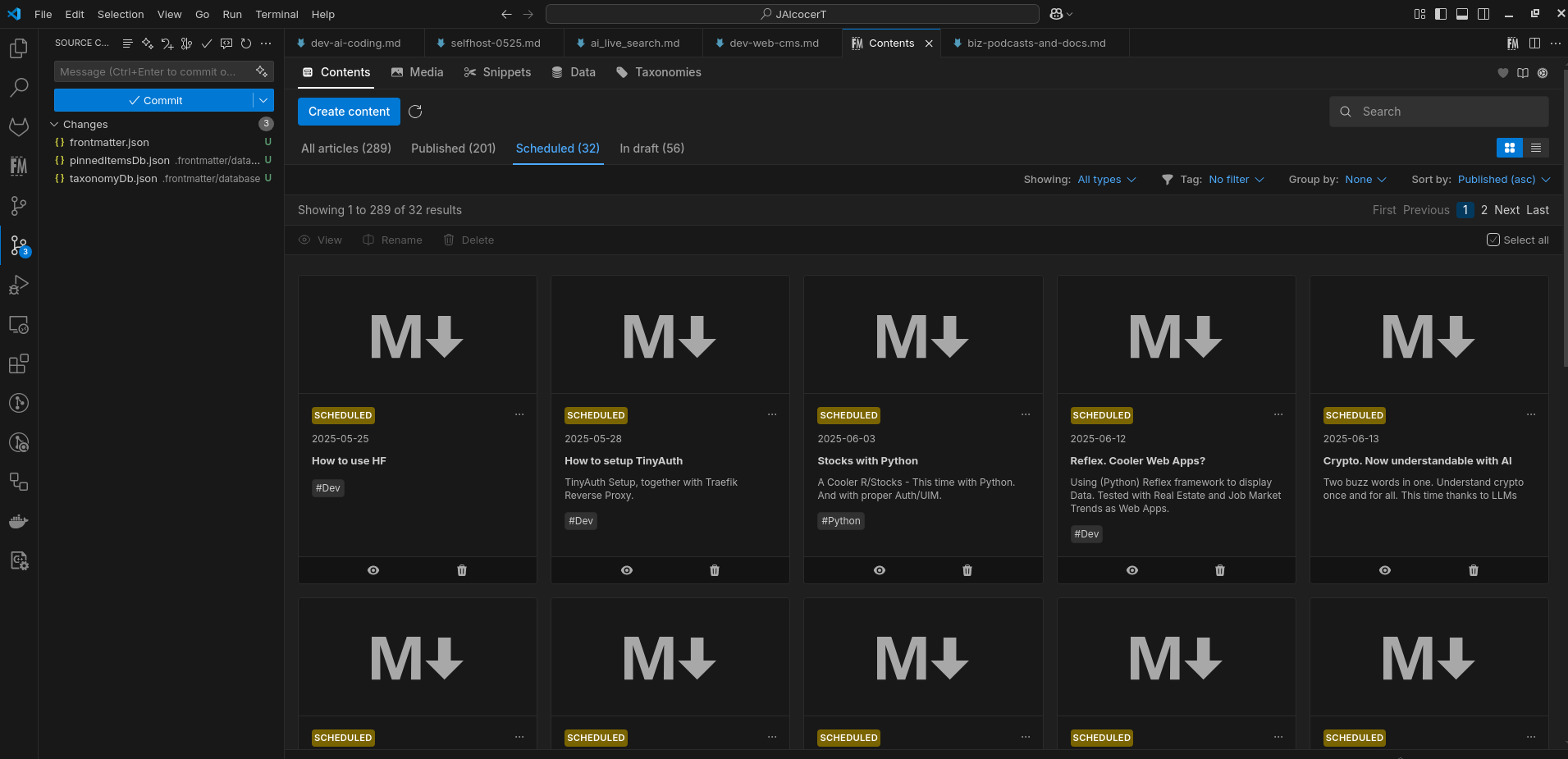 Testing FrontmatterCMS
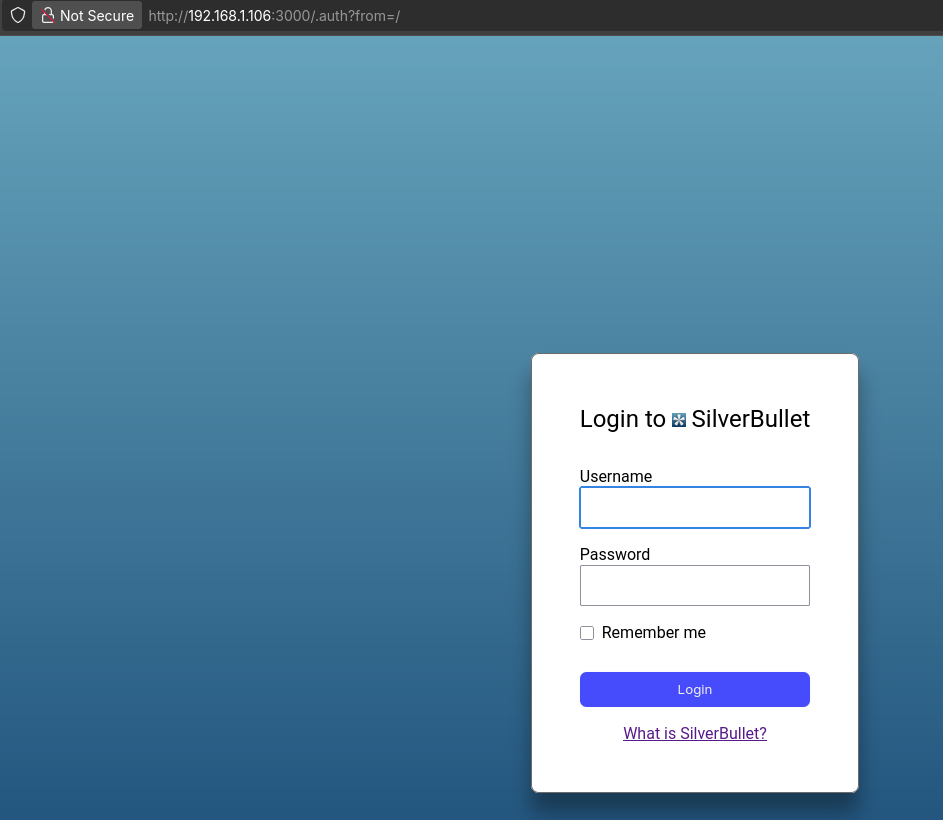 Flat Files KB
If you end up liking .md, you will be able to use it for your website and skip those database setups (and maintainance)
From there, you can:
- Either build your own editor on top of astro/hugo themes: naaah…
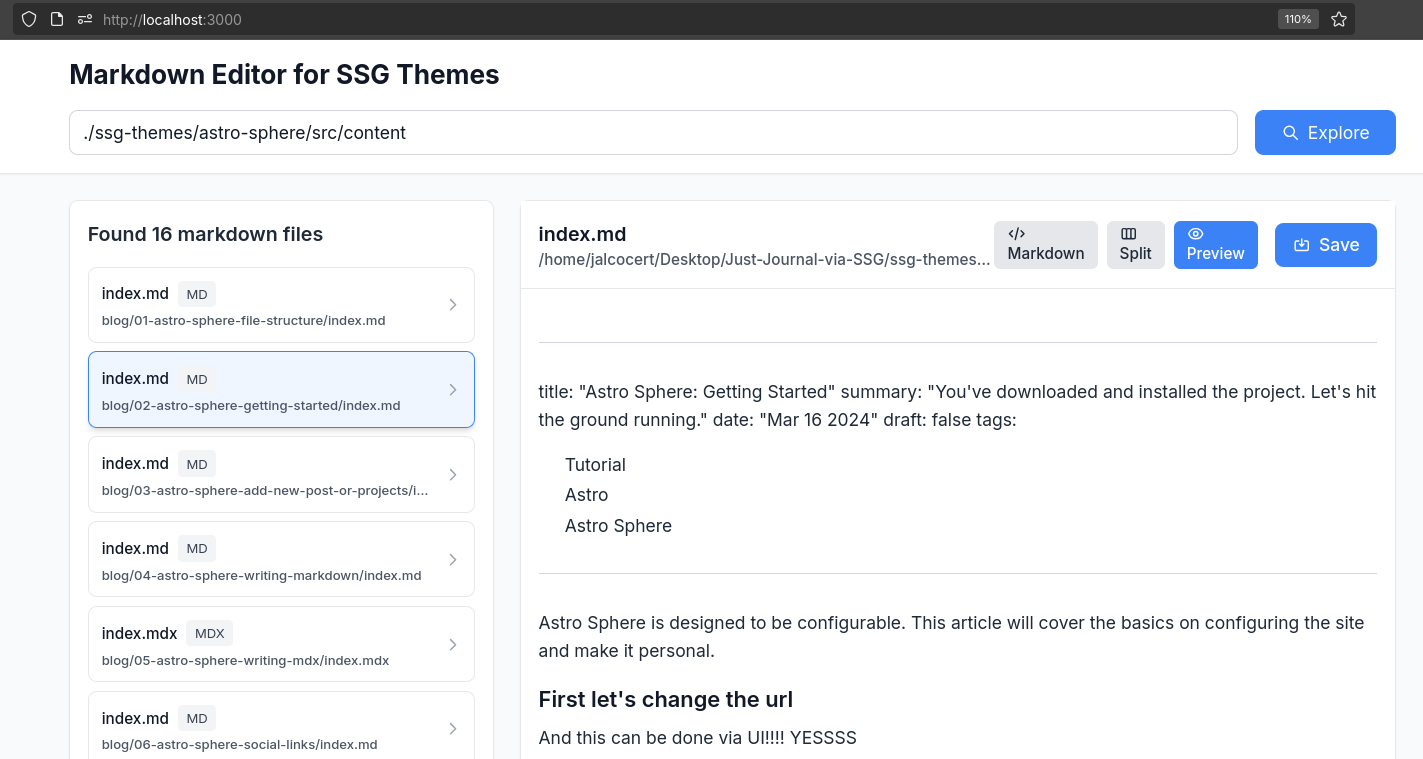
Or use any of these CMS combined with SSGs - this makes a lovely stack and very efficient webs
As last alternative, you can go check these no code CMS’s - we all have had a WP at some point
Cool CMS
This docs are focusing on DecapCMS because:
- Its fully OSS and selfhostable
- Integrates perfectly with Astro themes
- Its Flat file (no DBs!) and GIT based - so you get full trazability AND you can use CI/CD
- Plus you get cool decoupling between content edition and content presentation/delivery
You can skip all the tinkering across several CMS as I have been doing over time.
Make sure to differenciate when you are helping vs serving others, if you are trying to build a business around website creation.
Before serving others, make sure to get one of those CMSs going and included in your proposal, to avoid been the content manager of anyone for free.
Having said that…lets go.
All Git-based CMS are a subset of file-based CMS.
Decap-CMS
I just loved working with DecapCMS so far as seen here, thanks to the twilight theme
DecapCMS is MIT and I also forked it: https://github.com/decaporg/decap-cms
Tinkered first with it via Hugo Lynx portfolio repo
See the 101.md and DecapCMS x Github which will require GH OAuth Setup
Then, got DecapCMS working fully locally with this open example of the Astro Twilight repo.
Then, again with Lynx, I got an understanding on decapCMS fully local vs DecapCMS still local, but with github OAuth to push changes right away to github.
Its all a matter of understanding decap’s config.yml and as explained here.
With the GH Oauth, you will receive an email A third-party OAuth application has been added to your account
This architecture provides a production-ready, secure, and automated blogging platform that separates content management from content delivery, ensuring both security and performance! 🚀
That is the most important distinction when self-hosting Decap CMS! The choice between the Direct GitHub Backend and the Git Gateway Backend dictates your security, user management, and containerization complexity.
Here is a breakdown of the two approaches, emphasizing why the Git Gateway is the superior choice for managing non-developer editors.
🆚 Direct GitHub Backend
The Direct GitHub Backend relies on GitHub’s native OAuth flow to authorize users.
| Feature | Details |
|---|---|
| Authentication | Users log in directly with their GitHub account. |
| Authorization | Users must have Write/Push access to the content repository. |
| Commit Authority | The commit is made in the name of the individual user who logged in. |
| Self-Hosting Complexity | Moderate. You need to create a GitHub OAuth App and deploy a small OAuth Proxy Server (Container 2) to handle the secure handshake (exchanging a temporary code for a token). |
| Pros | Simplicity of Git history: You clearly see which user made which commit in the repository history. |
| Cons | Major Security/User Issue: You are forced to grant every editor full developer-level push access to your main code repository, which is a major security risk and a barrier for non-technical users. |
| Best For | Small teams where all content editors are also developers with existing Git permissions. |
🛡️ Git Gateway Backend (Recommended)
The Git Gateway acts as an intermediary (a proxy service) between the Decap CMS UI and your Git repository. It is the necessary component for achieving proper decoupling of user roles.
| Feature | Details |
|---|---|
| Authentication | Users log in via a separate identity service (e.g., email/password, a custom Auth provider, or a lightweight service like GoTrue). They do not need a GitHub account. |
| Authorization | Users only need a valid account on your identity service. They do not need Write/Push access to the repository. |
| Commit Authority | The Git Gateway server commits all changes using a single, long-lived Personal Access Token (PAT) belonging to a designated bot or admin user. |
| Self-Hosting Complexity | High. You must deploy two containers for management: 1) the static Decap UI and 2) the Git Gateway/Identity Service. This service must manage user accounts and securely hold the admin PAT. |
| Pros | Superior Security: You never give editors direct access to the repo. The Gateway is the only entity that holds push permission. Better UX: Editors use simple email/password login and don’t need Git accounts. Role Management: You can assign specific roles (e.g., ‘admin’, ’editor’) to limit access to certain content collections. |
| Cons | Complex Setup: Requires managing an additional identity/authentication database/service alongside the Gateway container. Commit History: All content commits will be attributed to the single ‘bot’ user account used by the Gateway. |
| Best For | Any professional setup where editors are not developers, such as your real estate application with non-technical staff. |
🛠️ The Self-Hosted Container Solution
Given your requirement for external users to edit content without giving them GitHub access, you must use the Git Gateway Backend.
The Git Gateway container acts as the bridge:
- Login: The editor logs in to your Git Gateway container (e.g., using email/password).
- Token: The Gateway verifies the user and issues a JSON Web Token (JWT) to the Decap CMS UI.
- Commit: When the editor clicks “Save,” the Decap UI sends the content and the JWT to the Gateway.
- Proxy: The Gateway validates the JWT, takes the content, and commits it to GitHub using its own admin PAT.
This separation ensures your Astro SSG site stays secure while providing a professional, easy-to-use content management experience.
PageCMS
Page-CMS is also an interesting option: https://github.com/pages-cms/pages-cms
MIT | The No-Hassle CMS for Static Sites Generators
Strapi
Headless StrapiCMS Example
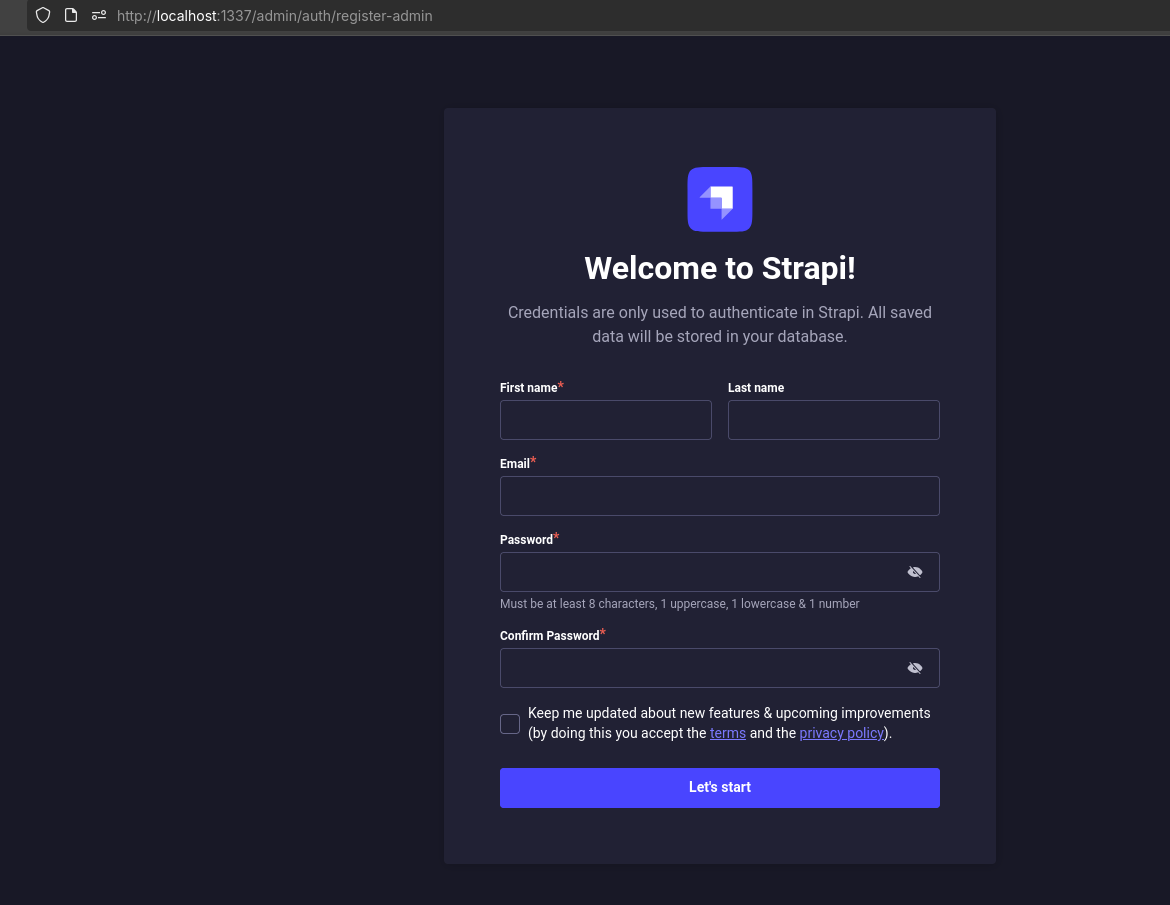
How to setup StrapiCMS?
If you are looking from CMS, you can have a look to this post, where I setup KeystaticCMS
Astro JS x Strapi
https://www.youtube.com/watch?v=WI-_gVBoBBg https://github.com/PaulBratslavsky/pauls-strapi-crashcourse https://github.com/JAlcocerT/pauls-strapi-crashcourse
https://github.com/strapi/LaunchPad -> https://launch-pad-roan.vercel.app/en
Official Strapi Demo application
https://www.youtube.com/watch?v=Ud9obEHadLI
https://strapi.io/blog/how-to-self-host-your-headless-cms-using-docker-compose
https://strapi.io/blog/how-to-self-host-your-headless-cms-using-docker-compose
How to Deploy Strapi - Headless CMS
Headless CMS based on nodejs
https://www.youtube.com/watch?v=HsojvBVk6JQ
https://www.youtube.com/watch?v=kJ4c9U5JStU
Consume the API from any client (React, Vue, Angular), mobile apps or even IoT devices, using REST or GraphQL.
1. Payload CMS (The TypeScript/Next.js Favorite)
Payload is a modern, open-source (MIT licensed) platform that functions as a powerful Headless CMS, Application Backend, and Admin UI.
It has rapidly gained popularity, especially among developers working with TypeScript and React-based frontends like Next.js.
| Aspect | Payload CMS |
|---|---|
| Core Philosophy | Schema-as-Code. You define all content collections, fields, and access rules entirely in TypeScript/JavaScript files. |
| Self-Hosted Experience | Excellent. Since the entire app is built on Node.js/Next.js, it can be deployed anywhere you can run a Node app (Docker, Vercel, AWS). |
| Developer Experience | Exceptional. Offers strong type safety, great IDE auto-completion, and deep integration with React for custom components. |
| Content Modeling | Uses Blocks (like Strapi’s Dynamic Zones) and full control over fields to build complex content structures. |
| Target User | Development teams who want their CMS config to be version-controlled, highly customized, and fully integrated with a TypeScript monorepo. |
2. PocketBase (The All-in-One Powerhouse)
Yes, there are several other notable self-hosted CMS alternatives, and the answer to whether PocketBase can be used as a CMS is a qualified Yes.
PocketBase is a single, compact, open-source application that combines an embedded SQLite database, a real-time API (REST/GraphQL), file storage, and an Admin UI into one easy-to-deploy Go executable.
| Aspect | PocketBase as a CMS |
|---|---|
| Core Philosophy | Backend-in-a-File. A lightweight backend-as-a-service (BaaS) that’s designed for simplicity and speed. |
| CMS Suitability | Yes, for small to medium projects. It can define collections (content types), relationships, and manage content via a built-in admin panel, which are the core functions of a CMS. |
| Self-Hosted Experience | Unmatched Simplicity. It’s a single binary file. You run it, and you have your entire backend and CMS interface. |
| Limitations (Scalability) | Its use of SQLite means it is restricted in how large and complex a dataset it can handle, making it less suitable for high-traffic, massive enterprise-level applications compared to Strapi or Directus running on PostgreSQL. |
| Target User | Developers building MVPs (Minimum Viable Products), prototypes, hobby projects, or small-to-medium static websites where speed and ease of deployment are the highest priority. |
Directus
Headless DirectusCMS Example
- https://astro.build/themes/details/directus-cms-template/
- https://github.com/directus-labs/starters/tree/main/cms/astro
Directus and Strapi are two of the most popular open-source, self-hosted headless CMS platforms, but they operate with fundamentally different philosophies.
The choice often comes down to whether you prefer a Database-First approach (Directus) or a Code-First approach (Strapi).
🆚 Directus vs. Strapi: A Key Comparison
| Feature | Directus (The “Data Engine”) | Strapi (The “Code-First CMS”) |
|---|---|---|
| Core Philosophy | Database-First. It wraps a SQL database (Postgres, MySQL, SQLite, etc.) and provides a CMS and API layer on top. | Code-First. You define content models in code/JSON, and Strapi manages the database schema for you. |
| Database Control | Full Control. You can use an existing database schema. Directus reflects your raw database tables instantly. | Schema Manager. Strapi creates and manages the schema. You typically start a new, empty database. |
| Admin UI | Built with Vue.js. Generally considered more customizable and data-centric (e.g., custom data views, conditional fields). | Built with React. Has a clean, user-friendly interface that feels very content-centric. |
| Open Source Model | Truly Open-Source Core (Apache 2.0). Virtually all core features (RBAC, API, Versioning) are free to self-host. | Freemium Core (MIT License). Key enterprise features like Content Versioning, and advanced RBAC limits are often restricted to paid plans. |
| Access Control (RBAC) | More Granular in Free Tier. Offers unlimited roles, fine-grained field-level permissions, and row-level data filtering out-of-the-box. | Limited in Free Tier. The Community Edition limits you to only 3 roles. |
| Development | Relies on Flows (a no-code visual automation builder) and Hooks to add custom logic close to the data layer. | Relies heavily on Plugins and custom controllers/middleware written in JavaScript/Node.js. |
| High-Level Use Case | Best for Data-Driven Applications or when you need a CMS on top of a legacy or pre-existing relational database (e.g., internal tools, IoT data, product catalogs). | Best for Content-Driven Applications and development teams fully invested in the Node.js/JavaScript ecosystem (e.g., blogs, marketing sites, rapid prototyping). |
When to Choose Which CMS
| Choose Directus When… | Choose Strapi When… |
|---|---|
| You already have data in a SQL database that you need a CMS/API for. | You are starting a project fresh and prefer defining your data model in code. |
| You need advanced, custom Role-Based Access Control (RBAC) without paying for an enterprise plan. | You want a larger plugin ecosystem with hundreds of ready-to-use community extensions. |
| You want your entire application, including the content administration, to feel very data-centric and flexible. | You prefer a code-first workflow and want a larger community of developers familiar with the platform. |
Would you like to explore the specifics of Directus Flows or find out more about Strapi’s plugin ecosystem?
BCMS
https://github.com/bcms/starters/tree/master/astro/e-commerce
Key Features of BCMS:
- It supports over 10 input types for diverse content needs.
- Detailed permission controls for user and client management.
- Omnichannel publishing capabilities for distributing content across multiple platforms.
- Internationalization support for global content delivery.
- Advanced media management with folder structures, support for videos, images, audio, documents, and real-time image processing.
- Extensibility with functions, cron jobs, and webhooks to automate workflows.
- Designed for programmatic SEO, job boards, eCommerce sites, and large enterprise-level projects.
Technical Architecture:
BCMS is an API-first, decoupled system where content storage and management are separated from presentation.
This enables developers to build flexible user interfaces independent of the backend system, ensuring content can be delivered via REST or GraphQL APIs to websites, mobile apps, or other digital platforms.[5]
Use Cases and Benefits:
- Ideal for scaling content management across various channels.
- Supports fast development by decoupling front-end and back-end.
- Global CDN ensures fast content delivery worldwide.
- Suitable for enterprises needing complex workflows and thousands of pages.[2][3]
BCMS combines developer-friendly capabilities with client usability, letting non-technical users manage content intuitively while enabling teams to build advanced, scalable web experiences.[1]
It can be used self-hosted or in the cloud, with free starter projects and integrations to jumpstart usage quickly.[6]
TinaCMS
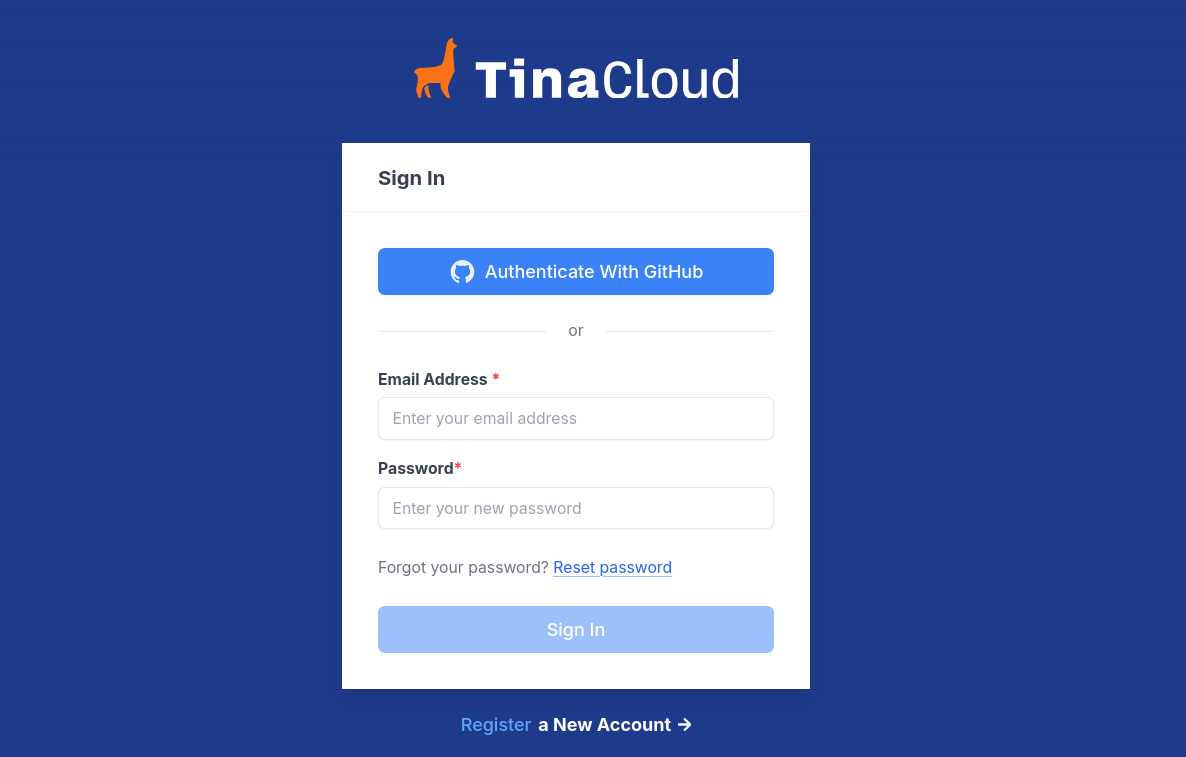
Besides Directus, Strapi, Payload, and PocketBase, the self-hosted landscape includes:
- TinaCMS: A Git-based CMS that allows for in-context, visual editing directly on the frontend (like a page builder experience), but with the content stored in local Markdown/MDX/JSON files within a Git repository.
- KeystoneJS: An open-source CMS built with Node.js and GraphQL. It is highly flexible and developer-focused, using code to define schemas and fields.
Websites without Coding
Im sure that you are wondering what about wordpress or ghost.
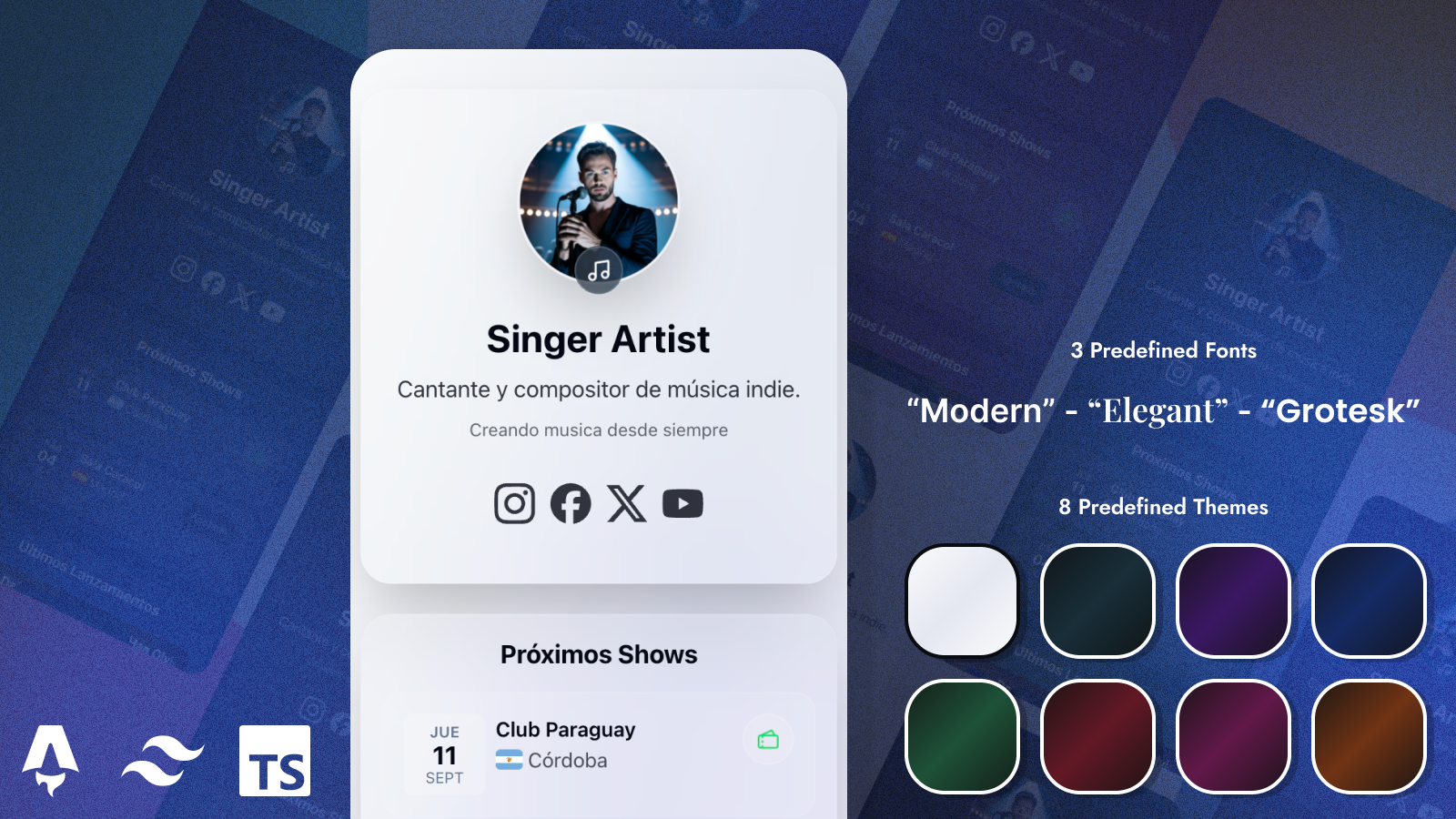 Links for Artists
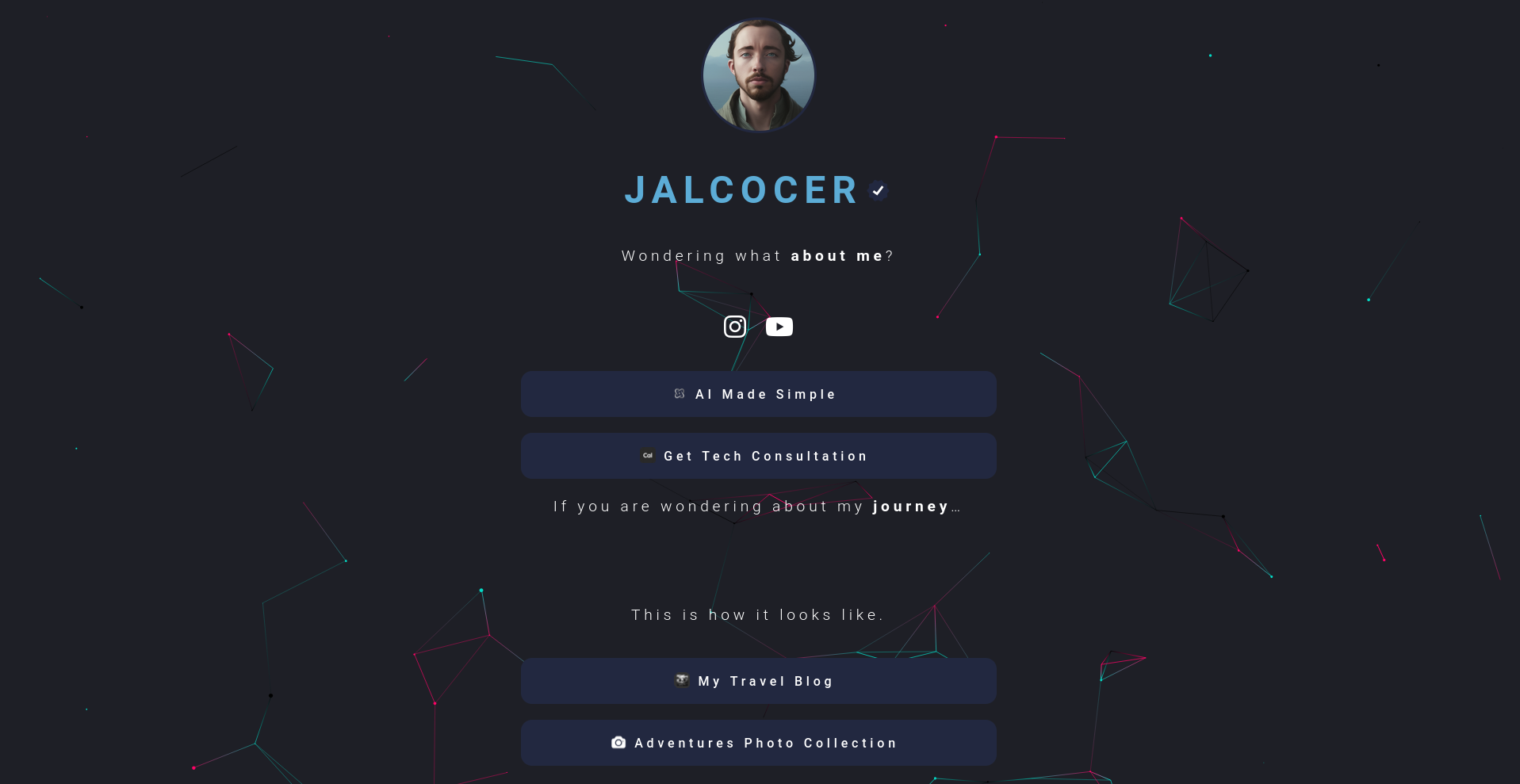 LinkStack vs LittleLink
I will be adding here more drag and drop, no code content management systems.
Particularly ones that are OSS & Selfhostable, so that you can use them freely and legally within your HomeLab/VPS.
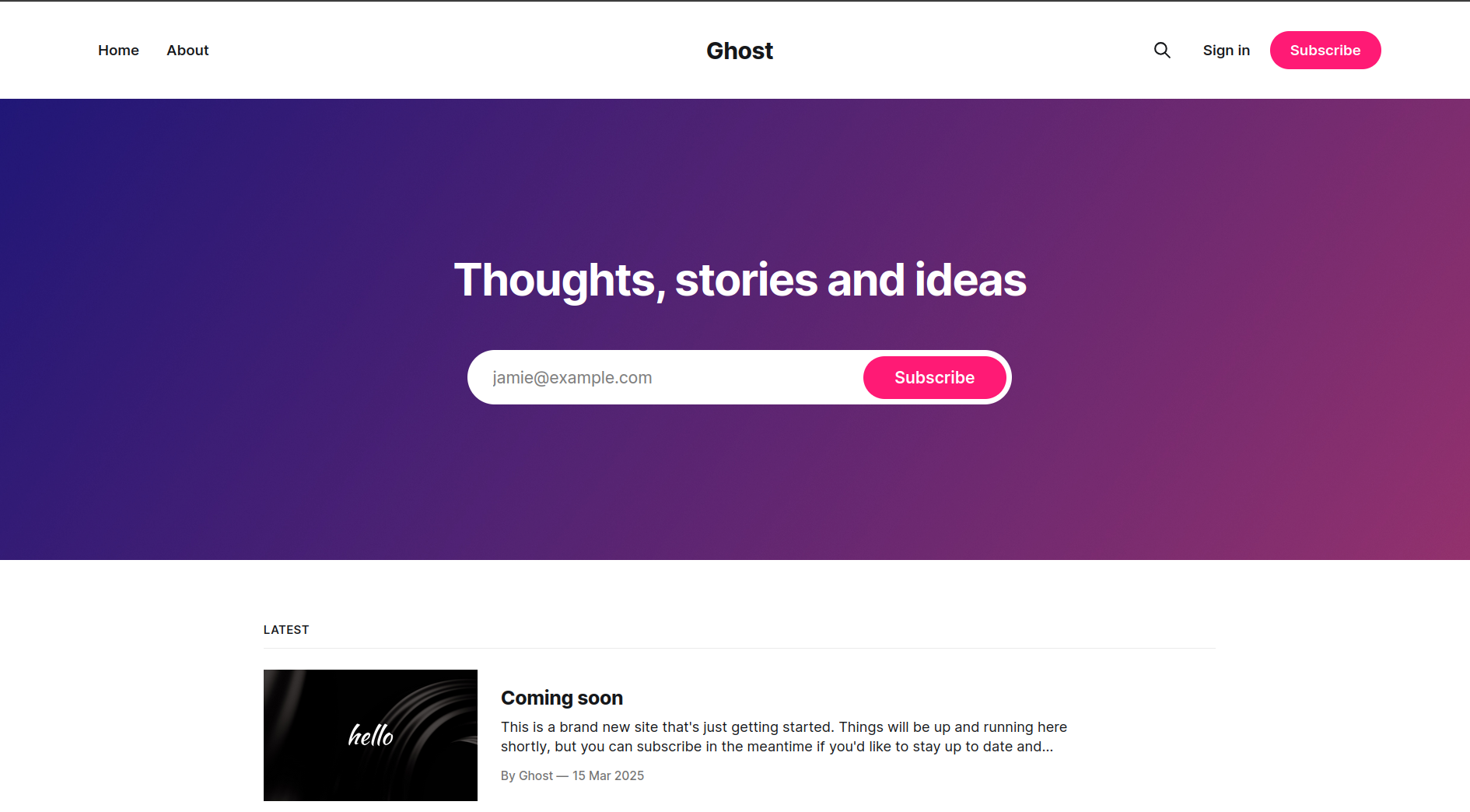 Selfh Ghost
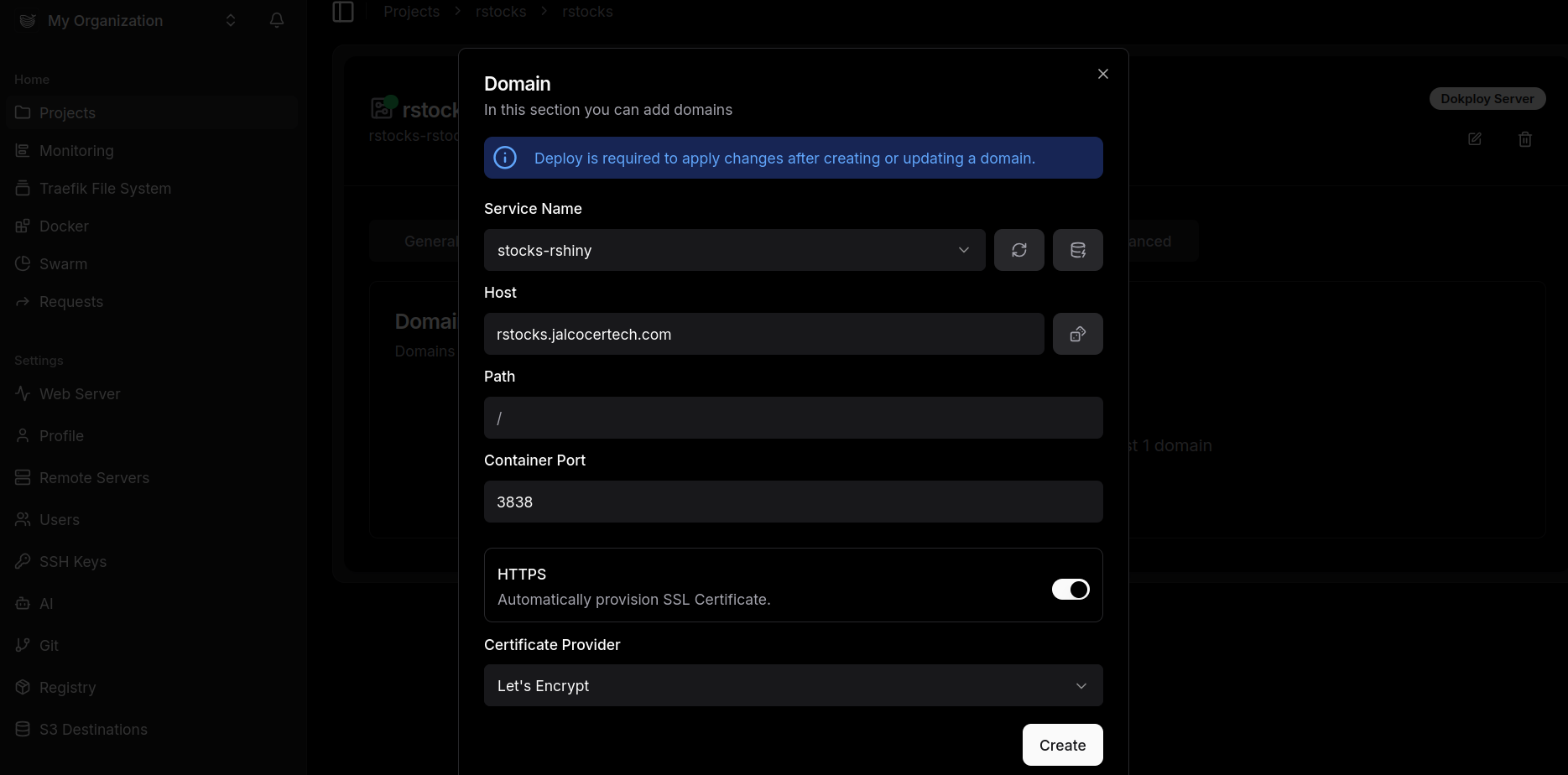 Selfhosted x PaaS
PS: You can use these via PaaS Solutions like Dokploy.
This can enable your users to have a better DIY experience if they wont go for the DWY / DFY offer
SelfHostable Websites with UI 🚀
GPL3.o | Create, Copy, Modify landing pages for all your needs
- Writefreely (but does not provide a docker container for a quick spin)
aGPL3 | A clean, Markdown-based publishing platform made for writers. Write together and build a community. Does NOT provide a clear container for SelfHost.
- Other ways to get a personal blog
SelfHostable Minimalist CMSs 🚀
MIT | A minimal, open-source, writing platform for writers who care about the craft
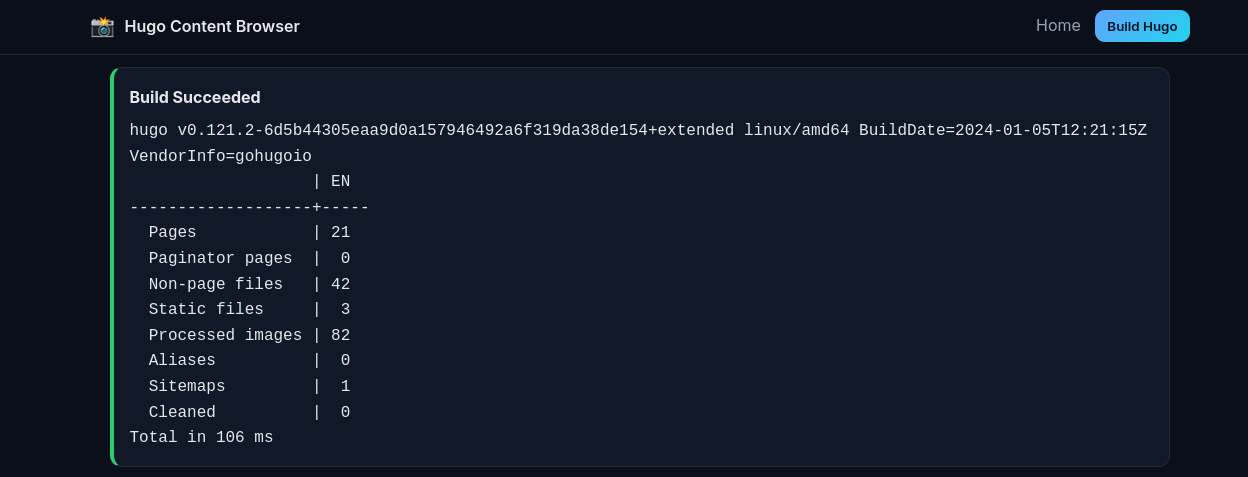
If you like to build, you can also create webapps that wraps HUGO/Astro/Any SSG:
Conclusion on WYSIWYG Markdown:
- For Best Out-of-the-Box Experience: Payload CMS is considered the most modern, offering a powerful, type-safe Rich Text editor (Lexical) that provides a great visual experience while storing structured content (JSON).
- For Pure Markdown with Preview: Directus offers a dedicated
Markdowninterface that is often the most direct choice if you need to guarantee the output is clean Markdown. - For Extensibility: Strapi and Payload both shine, allowing you to easily swap in popular third-party editors (CKEditor, TinyMCE) if the default isn’t sufficient.
📝 Rich Text / Markdown Editor Comparison
| CMS | Default Editor Type | WYSIWYG/Visual Editing? | Markdown Support |
|---|---|---|---|
| Payload CMS | Rich Text Field (Lexical/Slate) | Yes (Full WYSIWYG). Its modern editor (defaulting to Lexical) provides a powerful, highly customizable visual editing experience. | The editor is primarily structured JSON, but it has deep support for converting the content to HTML, or rendering it to Markdown via custom converters. |
| Directus | Markdown and WYSIWYG (separate fields) | Yes, via separate “Interfaces.” You can choose a field interface: WYSIWYG (a full HTML editor) or Markdown (a dedicated Markdown editor, often with live preview). | It supports a dedicated Markdown interface for pure Markdown input and a separate WYSIWYG (HTML) editor. |
| Strapi | Rich Text Editor (Default) | Yes. Strapi’s built-in editor offers a visual experience. Historically, it has used a basic Markdown editor, but it is typically replaced with or functions like a WYSIWYG for a better editor experience (often using plugins like CKEditor or TinyMCE). | It is highly common to use plugins to replace the default editor with a fully-featured WYSIWYG (like CKEditor 5) that outputs structured content or enhanced HTML/Markdown. |
| PocketBase | Textarea (Simple) | Limited / None. The basic built-in Admin UI provides a simple textarea field for content. | To get a proper WYSIWYG or Markdown editor, you would need to build and host your own custom Admin UI that uses a third-party editor (like TinyMCE or Tiptap) and connects to PocketBase’s API. |